1
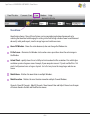
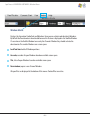
Spot Process SEPARATION SOFTWARE / Edit Menu
Edit Menu: (continued)
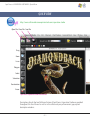
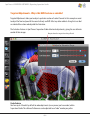
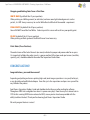
IMPORTANT:: It is strongly suggested to use the Black GROUND as often as possible to get the best
visual on-screen control.
HOW TO SECTION:
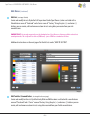
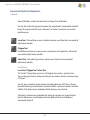
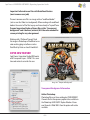
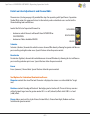
Create custom Textile sets using color values measured and supplied by Textile manufacturers. This
prevents you from making colors that are unrealistically bright on screen.
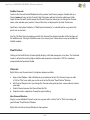
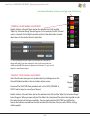
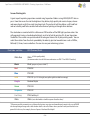
Click the‚“More”button to add filtering options to sort through multiple manufacturer color sets
Click (+) to add new colors.
Click (-) to remove colors.
Click (Edit) to edit an existing color.
Here you can change names, edit color, create or add to manufacturer colors, create a series within a
manufacturer or simply add helpful notes for future reference.
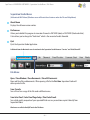
Image B
– 11 –