1
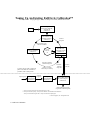
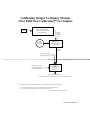
Step 1 - Use a Calibrated Monitor: A monitor LFC should be used only
with a calibrated monitor under controlled lighting conditions. Failure to
follow these guidelines will result in printed images that appear different
from those on the monitor.
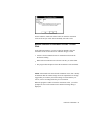
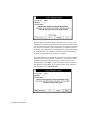
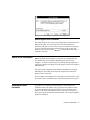
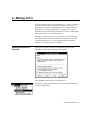
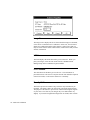
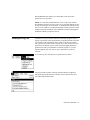
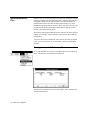
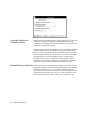
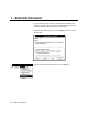
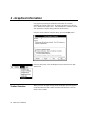
Step 2- Run the FullCircle Calibration Program: Start the FullCircle
Calibration program and load the appropriate project. When asked to
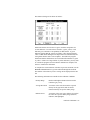
Make New LFC or Check Calibrations, select Make New LFC. Select
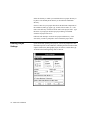
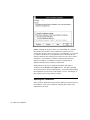
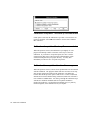
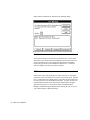
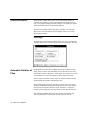
Add a Monitor LFC from the LFC Manager dialog. Enter a name for your
monitor and enter the monitor gamma. Press OK to add the monitor LFC
to the list of LFC’s. Press OK in the LFC Manager dialog to build the new
monitor LFC.
14 - FullCircle Calibration