1
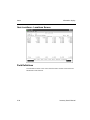
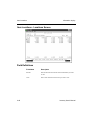
Item Locations
File Maintenance
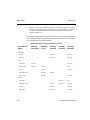
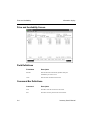
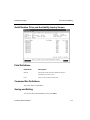
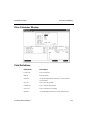
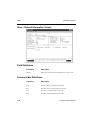
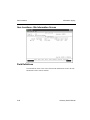
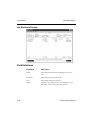
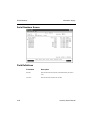
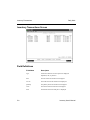
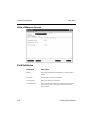
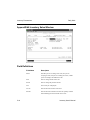
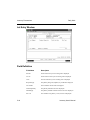
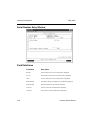
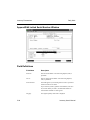
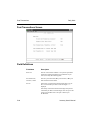
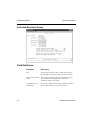
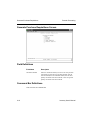
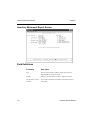
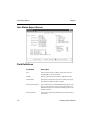
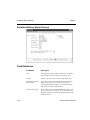
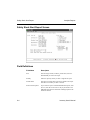
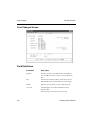
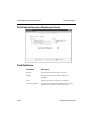
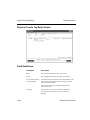
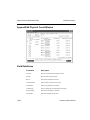
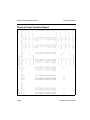
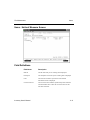
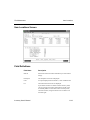
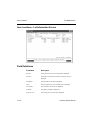
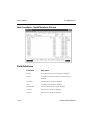
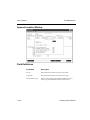
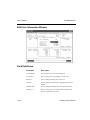
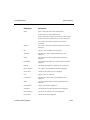
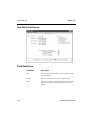
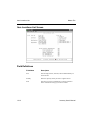
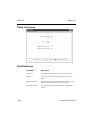
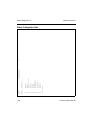
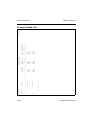
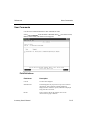
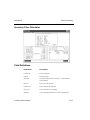
Item Locations - Bin Information Screen
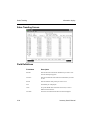
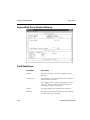
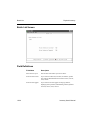
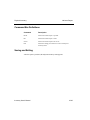
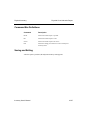
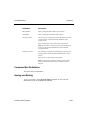
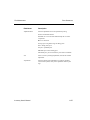
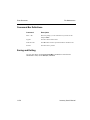
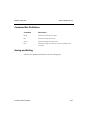
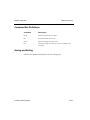
Field Definitions
11-34
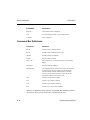
Field Name
Description
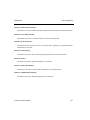
Item ID
The ID of the item you are working with is displayed.
Location
The location you selected on the Item Locations screen is
displayed.
Description
The description of the item is displayed.
Units
The unit of measure you are working with is displayed.
Bin No
If you entered a bin number on the Location Information
screen, it is displayed.
Tag Number
If a tag number was assigned to the bin during the last physical
count, it is displayed.
Inventory User’s Manual