1
Events 6.0
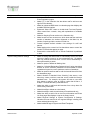
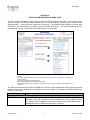
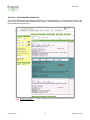
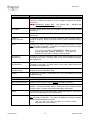
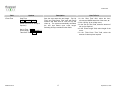
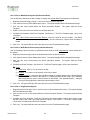
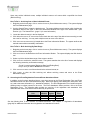
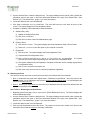
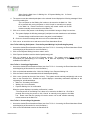
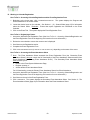
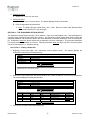
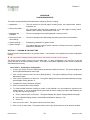
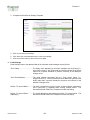
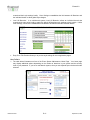
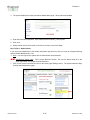
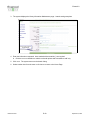
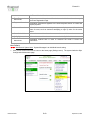
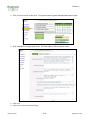
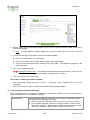
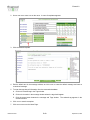
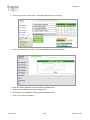
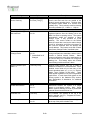
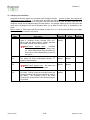
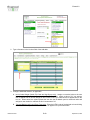
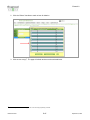
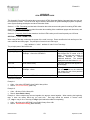
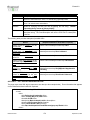
3. The system displays the Library Information Maintenance page – library name and website.
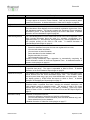
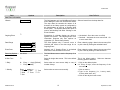
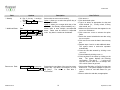
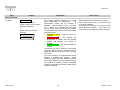
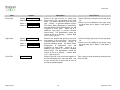
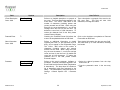
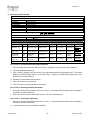
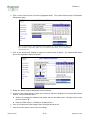
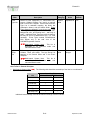
4. Enter the information requested. Items marked with an asterisk (*) are required.
5. Click SAVE.
6. Select another item from the menu or click BACK to return to the Home Page.
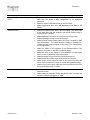
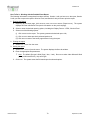
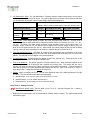
How To Do It – Add a Branch
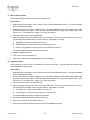
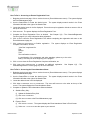
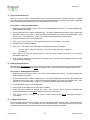
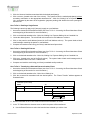
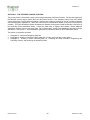
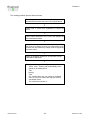
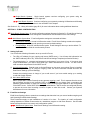
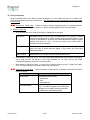
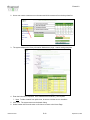
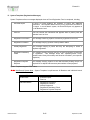
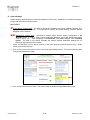
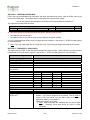
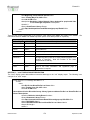
If you do not see Add Branch in the Library Information drop down list, then you must go to System Settings
and set Enable Multi-Branch to Yes.
1 Note: You must log into the system with an Administrator level password.
))
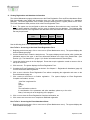
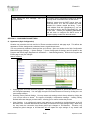
Multi-Branch System Note: This is an All Branches function. Be sure the branch drop list in the
upper right corner of the page shows All Branches.
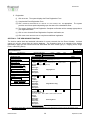
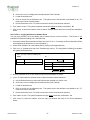
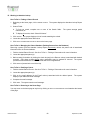
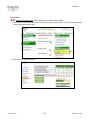
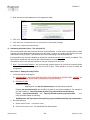
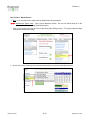
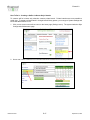
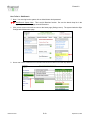
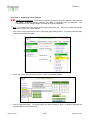
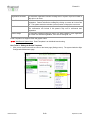
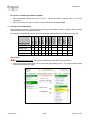
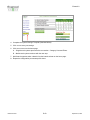
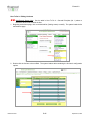
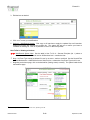
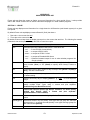
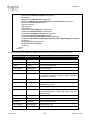
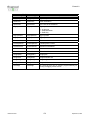
1. Click SYSTEM CONFIGURATION & SETTINGS on the home page (Settings menu). The system loads the Style
Configuration Maintenance page.
MAN0100-06.05
B-15
September 5, 2008