1
®
Planexa - User’s Guide
11.11.
Assignments group reports
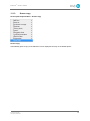
Access path: Reports Menu -- Assignments
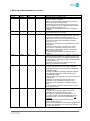
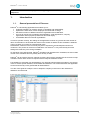
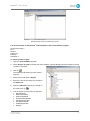
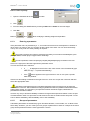
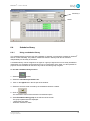
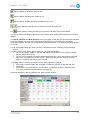
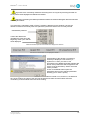
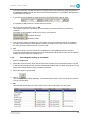
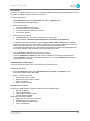
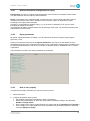
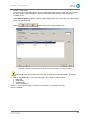
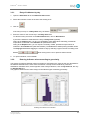
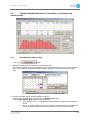
Assignment by agent (text)
For a defined period: assignment hours per agent. Alphabetical order, arrival or departure time
classification options. It is possible to choose tasks. Options allow showing or hiding tasks, choosing
from B&W or color display and showing or hiding absent people.
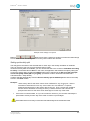
The user can set up custom reports in which they choose the items to include in the report (Date of
birth, Contract, Pass number, etc.)
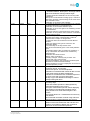
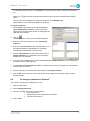
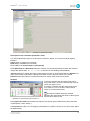
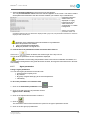
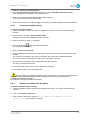
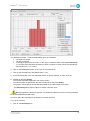
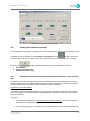
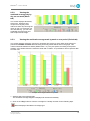
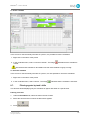
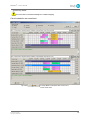
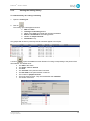
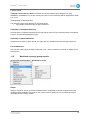
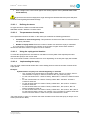
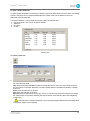
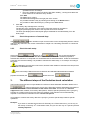
Assignment by agent (graph)
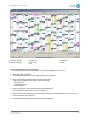
For a defined week: options to select the days of the week, agents, and tasks. Alphabetical order,
shift, arrival or departure time sort options.
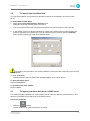
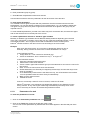
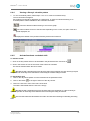
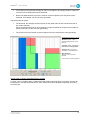
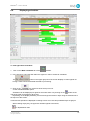
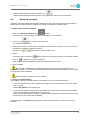
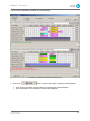
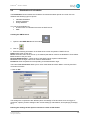
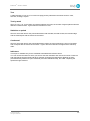
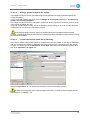
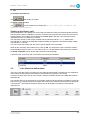
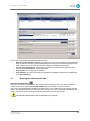
Assignment by position (graph)
Position-by-position graph of assignments with chronological list of agents occupying this station
during the day. List of unassigned agents. Optional list of absent agents. Possibility of determining if
an agent resumed his work after the lunch break.
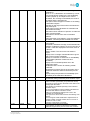
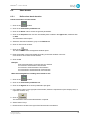
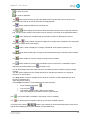
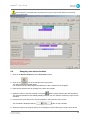
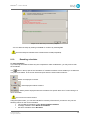
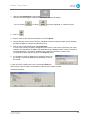
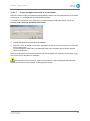
Assignment summary
For each agent, indicates how many times the agent has occupied a position during the selected
period. May be useful to check equity if some positions are considered "more difficult" than other.
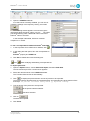
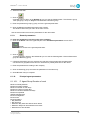
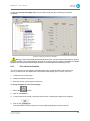
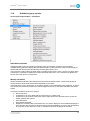
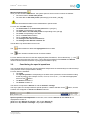
Prohibited positions
List of agents with prohibited positions. List of positions with prohibited agents. Different options allow
choosing the assignment, the group of positions and the types of positions to include in the report.
© 2012 Holy-Dis
All rights reserved
169