1
MayLoon User Manual
5
Using MayLoon Porting Tool
This section goes through the steps to convert and build your Android application to HTML5.
5.1
Converting to MayLoon
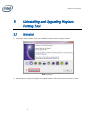
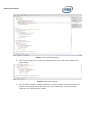
1. Import an existing Android project into Eclipse
2. Build the Android project; make sure an android application package is generated
successfully, usually under the bin/ directory of the Android project. Note if the application
uses proprietary extensions to Android framework and cannot build in Eclipse environment,
please generate an APK package corresponding to this application offline, and put it in the
bin/ directory. The conversion cannot proceed without the APK file.
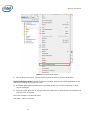
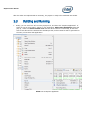
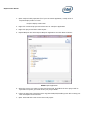
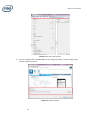
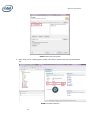
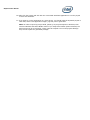
3. In Eclipse IDE, Select your project to convert, and then right click. Click “Convert to Mayloon
Project”.