1
Calibration
9.3.2
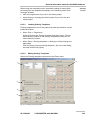
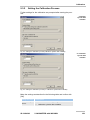
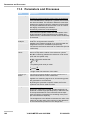
Setting the Calibration Process
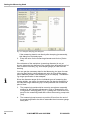
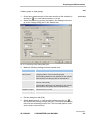
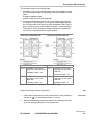
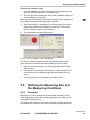
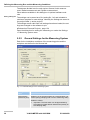
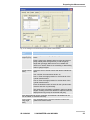
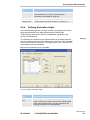
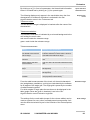
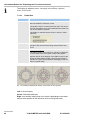
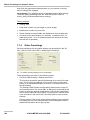
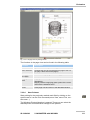
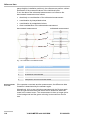
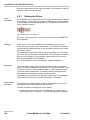
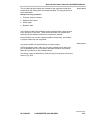
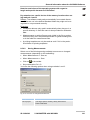
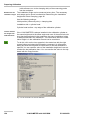
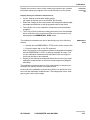
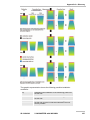
Further settings for the calibration are prompted after starting the process:
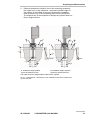
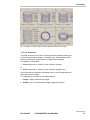
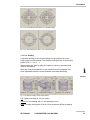
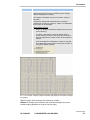
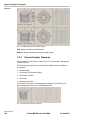
calibration
cylinder data
available:
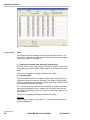
Fig. 9-3: Setting the calibration process (calibration cylinder data available)
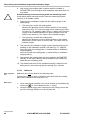
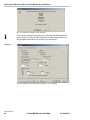
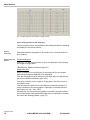
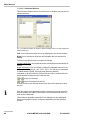
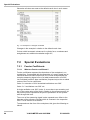
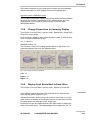
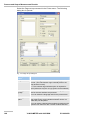
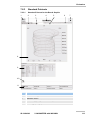
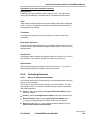
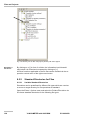
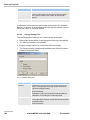
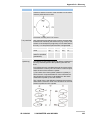
no calibration
cylinder data
available:
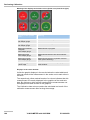
Fig. 9-4: Setting the calibration process (no calibration cylinder data available)
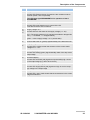
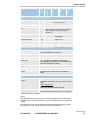
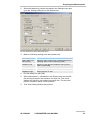
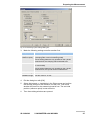
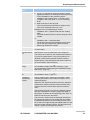
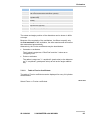
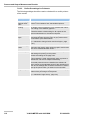
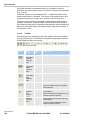
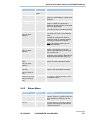
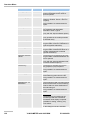
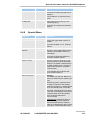
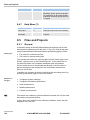
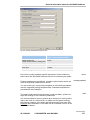
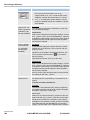
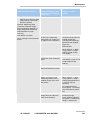
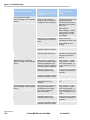
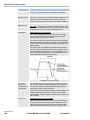
Make the settings as described in the following table and confirm with
[OK].
Dialog box topic
Description
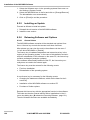
Calibration cylinder no.
Select one of the following settings:
ID 10034503
1. Calibration cylinder data available:
V-INCOMETER with INCOWIN
159