1
Chapter 8
USB Settings
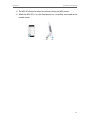
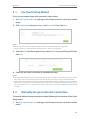
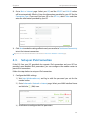
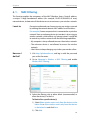
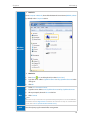
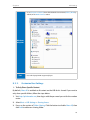
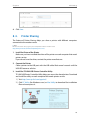
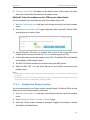
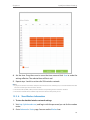
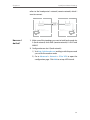
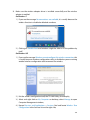
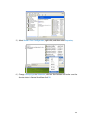
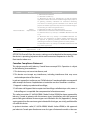
• Go to Computer > Network, then click the Media Server Name (Archer_VR900 by
default) in the Media Devices section.
Windows
computer
Pad
8. 3. 2.
• Use a third-party DLNA-supported player.
Customize Your Settings
¾¾ To Only Share Specific Content
By default, Share All is enabled so all content on the USB disk is shared. If you want to
only share specific folders, follow the steps below:
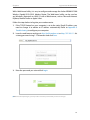
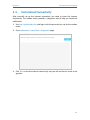
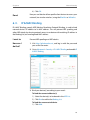
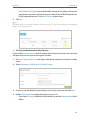
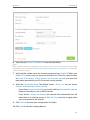
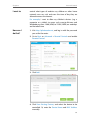
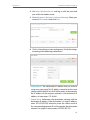
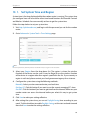
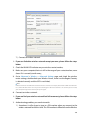
1. Visit http://tplinkmodem.net, then log in with the password you set for the modem
router.
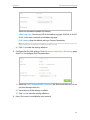
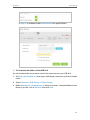
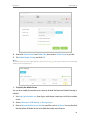
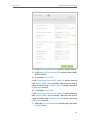
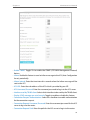
2. Select Basic > USB Settings > Sharing Access.
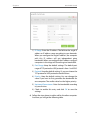
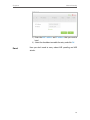
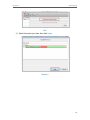
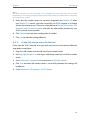
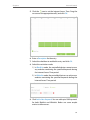
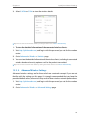
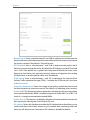
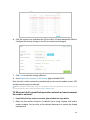
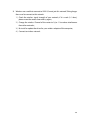
3. Focus on the section of Folder Sharing. Click the button to disable Share All, then
click Add to add a new sharing folder.
43