1
Network Camera User’s Guide
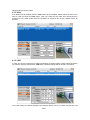
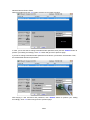
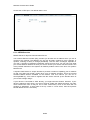
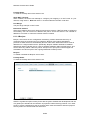
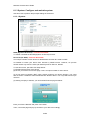
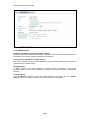
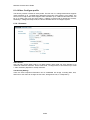
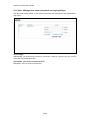
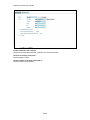
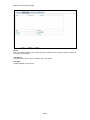
setting procedure and click “>>” button will move to next page as below.
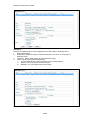
In case, you do not want to change username and/or password, then just click “Submit” button to
perform your setting accordingly. Click “<<” button will go back to previous page.
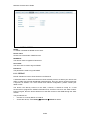
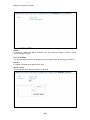
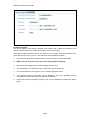
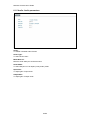
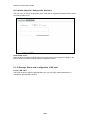
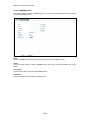
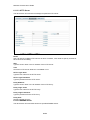
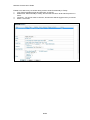
If you like to change username and/or password of the device, just click the check button. Then,
the related fields will show up as below.
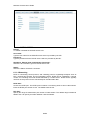
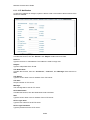
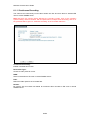
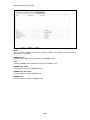
After keying in new username and password, click “Submit” button to perform your setting
accordingly. Click “<<” button will go back to previous page.
14/65