1
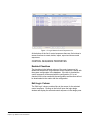
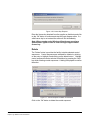
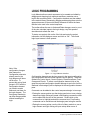
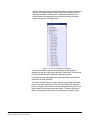
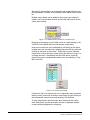
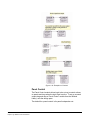
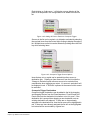
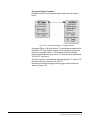
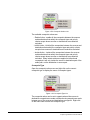
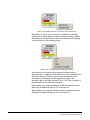
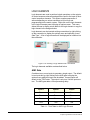
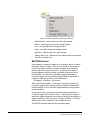
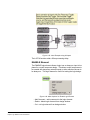
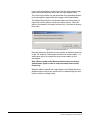
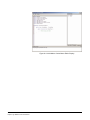
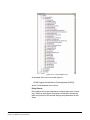
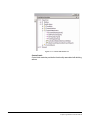
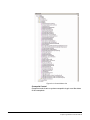
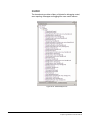
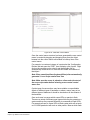
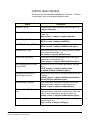
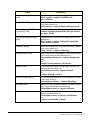
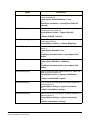
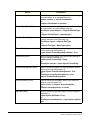
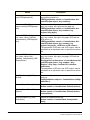
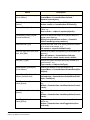
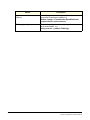
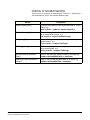
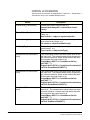
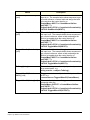
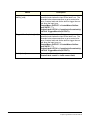
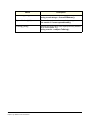
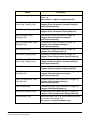
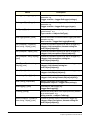
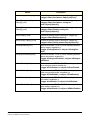
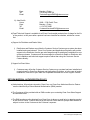
Figure 1-2: Logic Maestro Control Sequence List
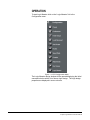
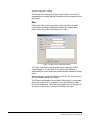
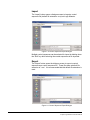
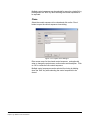
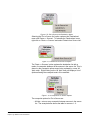
At the bottom of the list of control sequences there are five buttons to
access functions to create, delete, import, export and clone control
sequences.
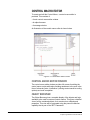
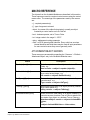
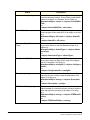
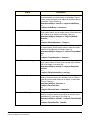
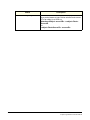
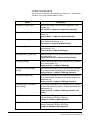
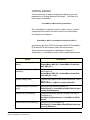
CONTROL SEQUENCE PROPERTIES
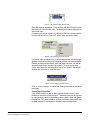
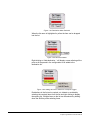
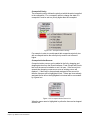
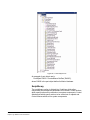
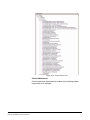
Enabled Checkbox
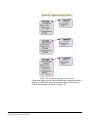
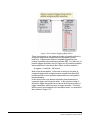
The checkbox in the leftmost column of the control sequence list
determines whether the Logic Maestro control sequence is saved with
the system configuration in the database. If the box is checked the
control sequence will be saved with the configuration; if it is not
checked it will not be saved with the configuration and therefore will not
be downloaded to the matrix with the configuration.
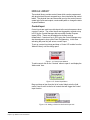
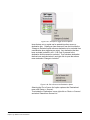
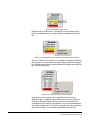
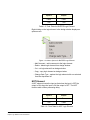
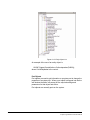
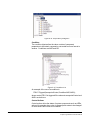
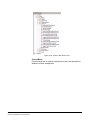
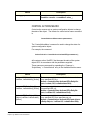
Edit Logic Column
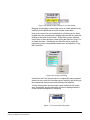
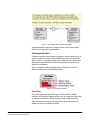
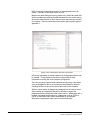
The ‘Edit Logic’ column contains links to the source for the selected
control sequence. Clicking on the link will open the logic design
window and display the selected control sequence in the design pane.
Clear-Com
Eclipse Logic Maestro Instruction Manual
1-3