1
Chapter 3: Operating instructions
Mouse toolbar
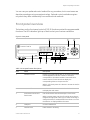
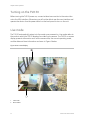
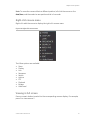
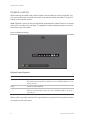
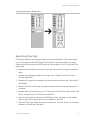
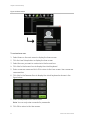
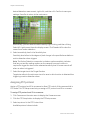
While in live, playback, or sequence mode, point to the date and time to display the
mouse toolbar, as shown in Figure 4 below.
Note: To move the mouse toolbar to a different position, click and drag the date and
time display.
Figure 4: Mouse toolbar
Mouse toolbar icons
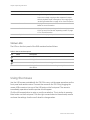
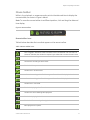
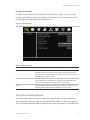
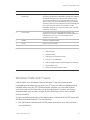
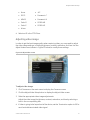
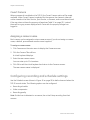
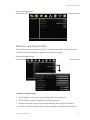
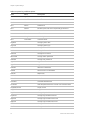
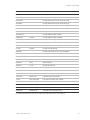
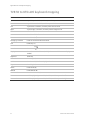
Table 4 below describes the icons that appear on the mouse toolbar.
Table 4: Mouse toolbar icons
Icon
Description
User is logged in. Numerical value indicates the user’s access level. User icon with a G
character indicates that the device requires logon credentials to access the main menu.
The device is recording.
The device is recording an alarm event.
The device is in sequence mode.
The device is in archive mode.
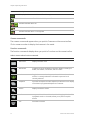
Indicates the starting point of a video segment for archive while in playback mode.
Indicates the ending point of a video segment for archive while in playback mode.
The device is in PTZ mode.
The device is playing video forward.
The device is fast forwarding video playback.
The device is playing back video reverse.
The device is fast reversing video playback.
Video playback is on pause.
TruVision DVR 30 User Manual
13