1
Linux
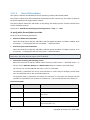
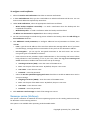
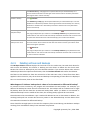
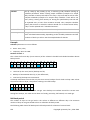
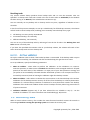
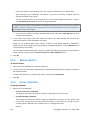
To receive SNMP messages on a machine running Linux, the net-snmp (for RHEL and SUSE) or the
snmpd (for Debian) package has to be installed.
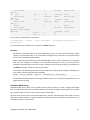
SNMP can be configured using the snmpconf command. The default configuration files are located in
the /etc/snmp directory:
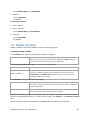
•
/etc/snmp/snmpd.conf - configuration file for the Net-SNMP SNMP agent
•
/etc/snmp/snmptrapd.conf - configuration file for the Net-SNMP trap daemon.
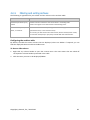
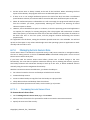
3.3. Default backup and recovery options
3.3.1.
Default backup options
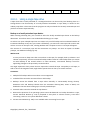
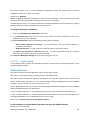
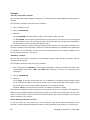
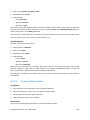
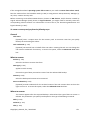
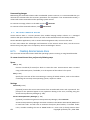
Each Acronis agent has its own default backup options. Once an agent is installed, the default options
have pre-defined values, which are referred to as presets in the documentation. When creating a
backup plan, you can either use a default option, or override the default option with the custom
value that will be specific for this plan only.
You can also customize a default option itself by changing its value against the pre-defined one. The
new value will be used by default in all backup plans you will create later on this machine.
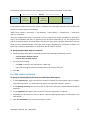
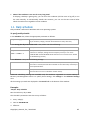
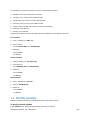
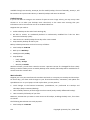
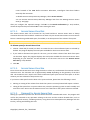
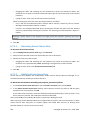
To view and change the default backup options, connect the console to the managed machine and
then select Options > Default backup and recovery options > Default backup options from the top
menu.
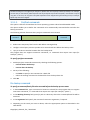
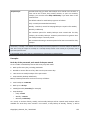
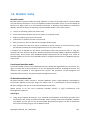
Availability of the backup options
The set of available backup options depends on:
•
The environment the agent operates in (Linux, bootable media)
•
The type of the data being backed up (disk, file)
•
The backup destination (networked location or local disk)
•
The backup scheme (Back up now or using the scheduler)
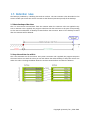
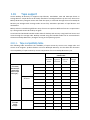
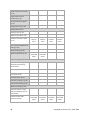
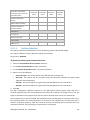
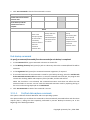
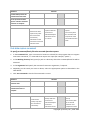
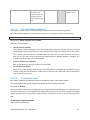
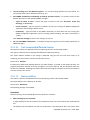
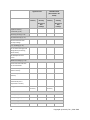
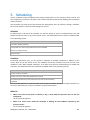
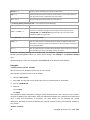
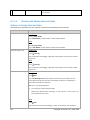
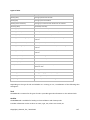
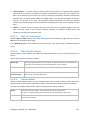
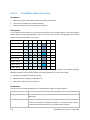
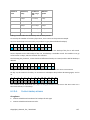
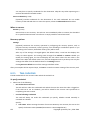
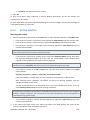
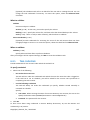
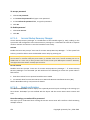
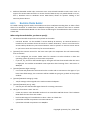
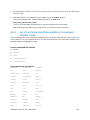
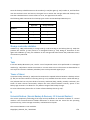
The following table summarizes the availability of the backup options.
Agent for Linux
Bootable media
(Linux-based)
Archive protection (p. 49)
Disk
backup
File
backup
Disk
backup
File
backup
+
+
+
+
+
+
+
+
(password + encryption)
Source files exclusion (p. 50)
Copyright © Acronis, Inc., 2000-2009
47