1
Chapter
5
Once You Have Completed the Installation
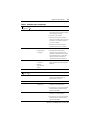
Once you have installed the drivers, you can do the following:
For Information On This Topic
See Page
Register the EDS File
5-1
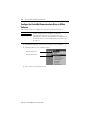
Configure the ControlNet Communications Driver in RSLinx Software
5-2
Connect a SoftLogix Controller to the ControlNet Network
5-4
Go Online With RSNetWorx for ControlNet Software
5-7
Register the EDS File
The EDS files can be found in the \EDS Files folder on the 1784-PCIC(S) Driver CD-ROM
or they can be downloaded from http://www.ab.com/networks/eds/.
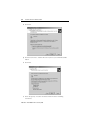
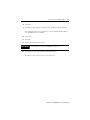
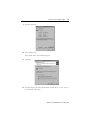
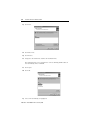
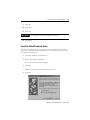
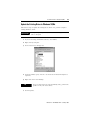
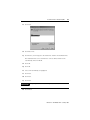
Use the EDS wizard in either RSLinx or RSNetWorx for ControlNet software to register
these EDS files for the 1784-PCIC or 1784-PCICS card:
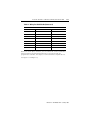
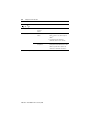
Catalog Number
EDS File
1784-PCIC
0001000C00490400.eds
1784-PCICS
0001000C003F0400.eds
• In Windows, select Start ⇒Programs ⇒Rockwell Software ⇒RSLinx Tools
⇒EDS Hardware Installation Tool.
• In RSNetWorx for ControlNet software, select Tools ⇒EDS Wizard.
Publication 1784-IN003D-EN-P - January 2006