1
TeraNavigator Setup
Setting up TeraNavigator
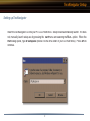
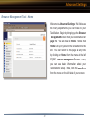
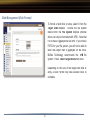
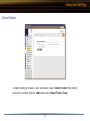
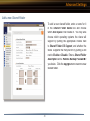
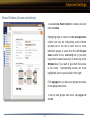
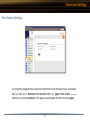
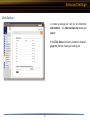
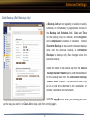
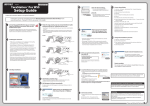
Insert the TeraNavigator CD into your PC’s CD-ROM drive. Setup should automatically launch. If it does
not, manually launch setup.exe by pressing the Start menu and selecting the Run... option. When the
Run dialog opens, type d:\setup.exe (where d is the drive letter of your CD-ROM drive). Press OK to
continue.
8