1
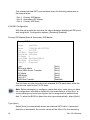
Discard Changes and Exit
This option should only be used if you do not want to save the changes you
have made to the Setup program. If you have made changes to fields other
than system date, system time, and password, the system will ask for confirmation before exiting.
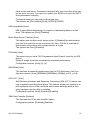
Discard Changes
This option doesn’t save the changes at all like the entry ‘Discard Changes
and Exit’. After saying [Ok], the cursor is jumping up to ‘Save Changes and
Exit.
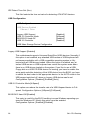
Load Defaults
This option allows you to load the default values for each of the parameters
on the Setup menu. When this option is selected or if <F9> is pressed, a
confirmation is requested. Select [Ok] to load default values. You can now
select Exit Saving Changes or make other changes before saving the values
to the non-volatile RAM.
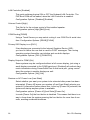
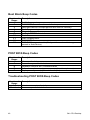
Test Points Codes
At the beginning of each POST routine, the BIOS outputs the test point error
code to I/O port address 80h. Use this code during trouble shooting to
establish where the system failed and what routine has been performed.
36
G41-CPU-Desktop