1
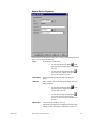
Closing Communication Port and/or Changing
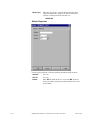
Ports and Configuration
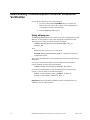
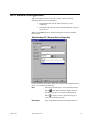
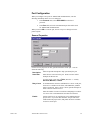
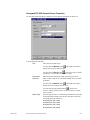
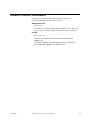
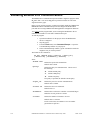
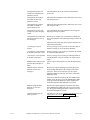
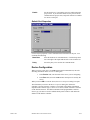
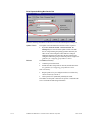
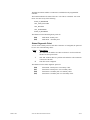
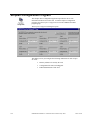
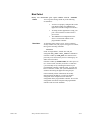
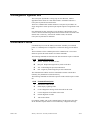
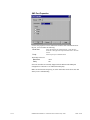
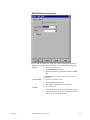
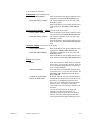
You need to close communications when:
•
You are finished with diagnostic testing
•
You want to select a different port
•
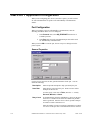
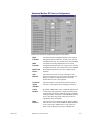
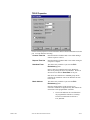
You want to change the port's baud rate or parity.
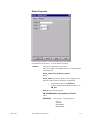
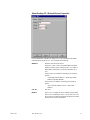
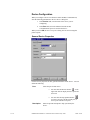
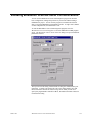
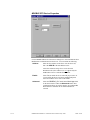
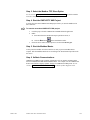
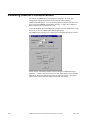
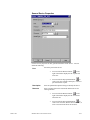
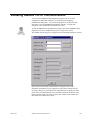
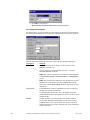
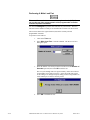
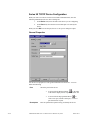
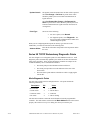
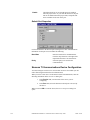
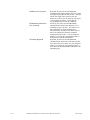
To close communications, select Close port.
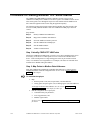
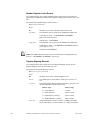
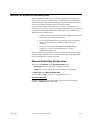
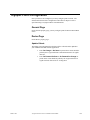
Exiting the Diagnostic Program
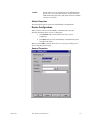
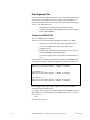
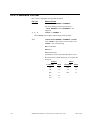
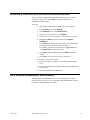
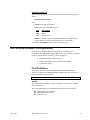
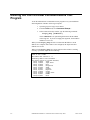
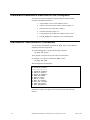
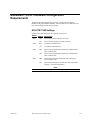
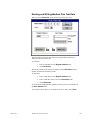
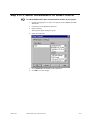
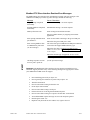
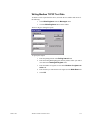
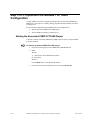
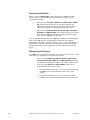
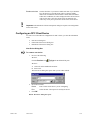
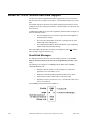
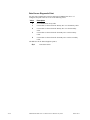
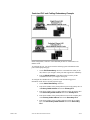
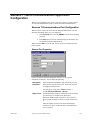
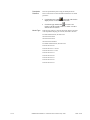
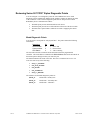
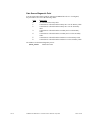
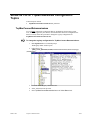
To exit the OMRON Host Link Diagnostics program:
GFK-1181J
1.
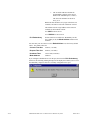
Select Close port to close and release the communication port.
2.
Select Exit to close the dialog and terminate the program.
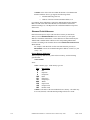
OMRON Host Link Communications
19-13