1
Intermediate Design
Global Code
Since global functions are not overrides, there are few restrictions on the names, parameters, or
return type for global functions.
9.5.1
Add a Global Variable to a Workspace
A global variable is a variable that is declared in the Global Code section, outside of any
object. There are two methods for adding a global variable:
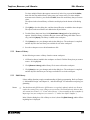
• Use the “New Variable” option in Code View (easiest method).
• Enter the variable directly into the Global Code section in the Code View window.
9.5.1.1 Add a Global Variable Using New Variable
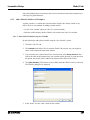
Do the following to add a global variable using the “New Variable” option:
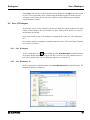
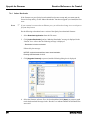
1. Click the Code View tab.
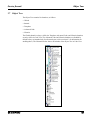
2. Click Globals in the Object Tree to open the Global Code section. Any current global
source code is displayed in the editor window.
3. If you want the new variable inserted at a cursor location, select Insert at Cursor, then
click in the editor at the location where you want the variable inserted. If you do not select
this option, the variable will be added to the bottom of the Global Code section.
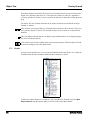
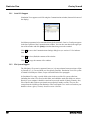
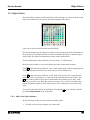
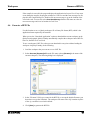
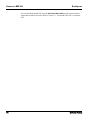
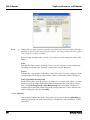
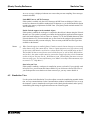
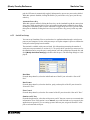
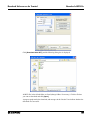
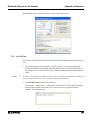
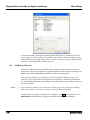
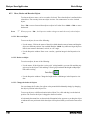
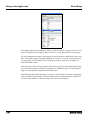
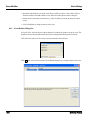
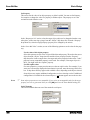
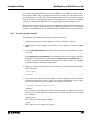
4. Click [New Variable]. (This button is only available when the Globals section is selected.)
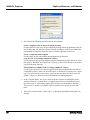
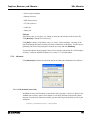
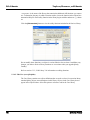
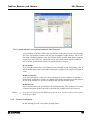
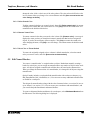
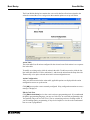
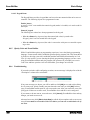
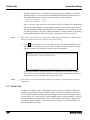
The following dialog box is displayed.
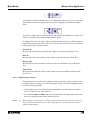
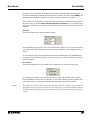
5. In the “Name” text box, enter a name for the variable.
QSI Qlarity Foundry
139