1
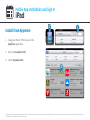
Mobile App Installation and Sign In (iPad)
Advanced Server Configuration
Anywhere Pad can connect to Anywhere Pad Portal behind a firewall by opening the required ports directly in the
firewall or using a proxy server that has support for HTTP and SOCKS version 5.
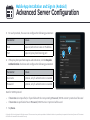
The following ports are required by Anywhere Pad to connect to the portal:
•
80
•
443
1
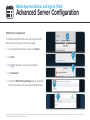
iPad Proxy Configuration
HTTP Proxy Configuration
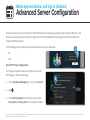
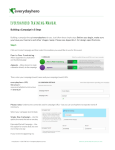
To allow Anywhere Pad to use a proxy server with
HTTP support, configure the iPad network settings by
following these steps:
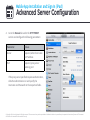
1.Launch iPad Settings.
2.Tap Wi-Fi.
3.Tap
to open the Wi-Fi settings.
2
3
© Copyright 2014. Azeus Systems Ltd. All rights reserved. This user manual may not be reproduced or distributed in whole or in part without prior permission from Azeus Systems Ltd. The content
of this manual is intended for informational use only.