1
3 Working with your basic applications
Using Memo Pad
3
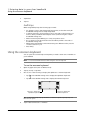
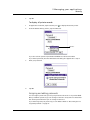
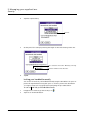
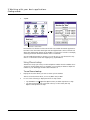
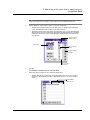
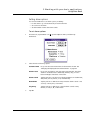
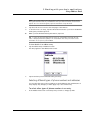
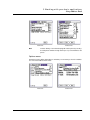
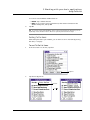
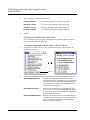
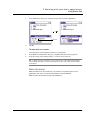
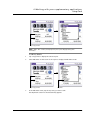
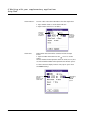
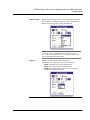
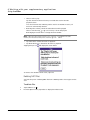
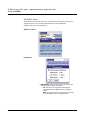
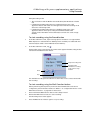
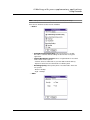
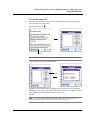
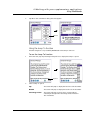
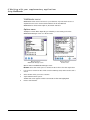
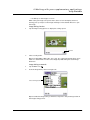
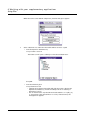
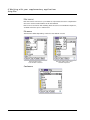
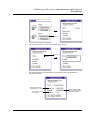
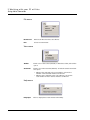
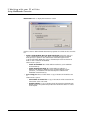
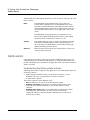
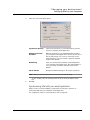
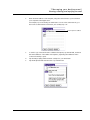
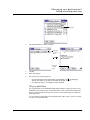
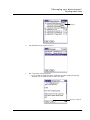
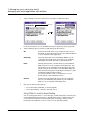
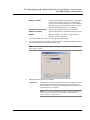
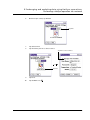
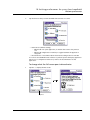
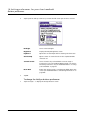
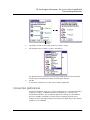
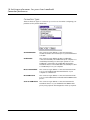
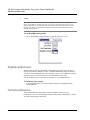
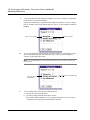
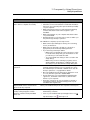
Show Due Date
Displays the due dates for items in the To Do List and
displays an exclamation mark next to items that
remain incomplete after the due date passes.
Show Priorities
Displays the priority setting for each item.
Show Categories
Displays the category for each item.
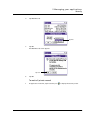
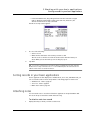
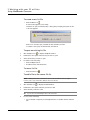
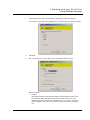
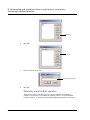
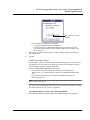
Tap OK.
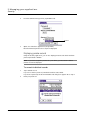
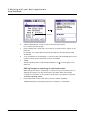
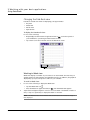
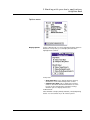
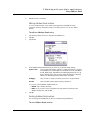
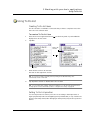
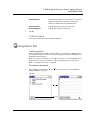
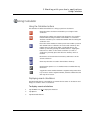
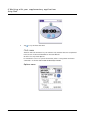
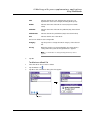
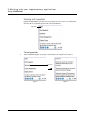
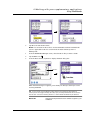
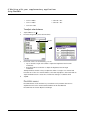
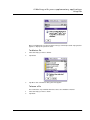
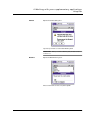
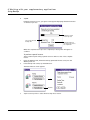
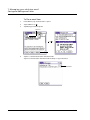
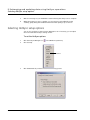
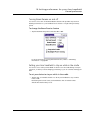
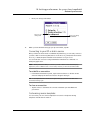
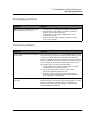
To Do List menus
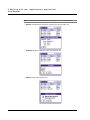
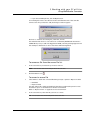
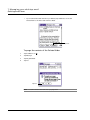
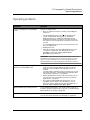
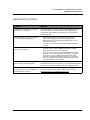
To Do List has three menus: Record, Edit and Options.
Using Memo Pad
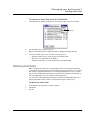
Creating memos
A record in Memo Pad is called a memo. A memo can contain up to 4,000 characters.
The number of memos you can store is limited only by the free space available in your
handheld’s internal memory.
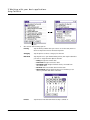
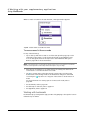
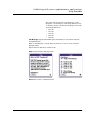
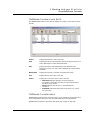
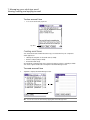
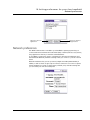
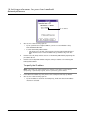
When you create a new memo, you can add information to it from the Address Book
application, such as a phone number or address, using the Phone Lookup option.
Refer to "Using Phone Lookup" on page 38.
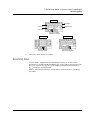
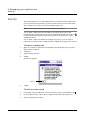
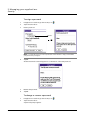
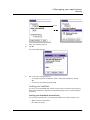
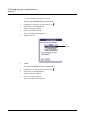
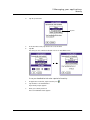
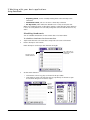
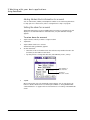
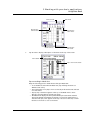
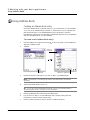
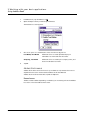
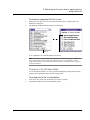
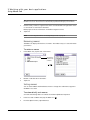
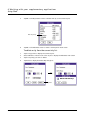
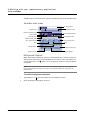
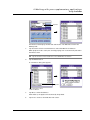
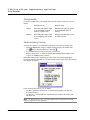
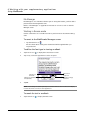
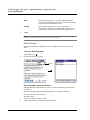
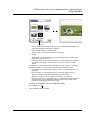
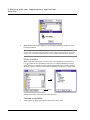
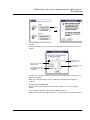
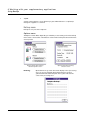
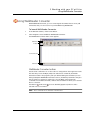
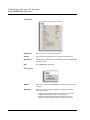
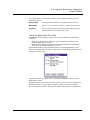
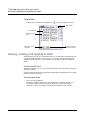
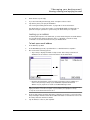
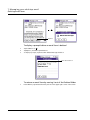
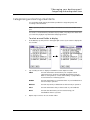
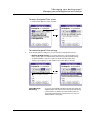
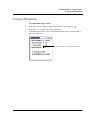
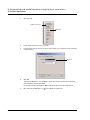
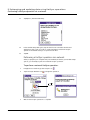
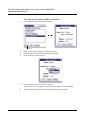
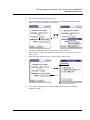
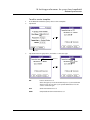
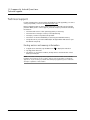
To create a new memo
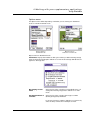
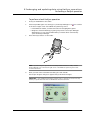
1
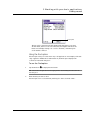
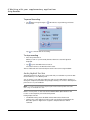
Press the Memo Pad application button
display the Memo List screen.
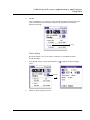
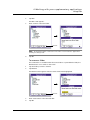
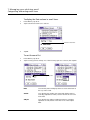
2
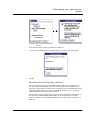
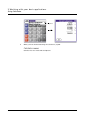
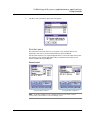
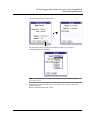
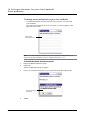
Tap New.
on the front panel of your handheld to
Tap here.
69