1
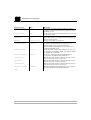
Appendix A: Troubleshooting
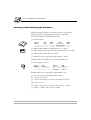
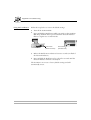
Using the Push Button
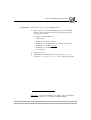
Follow the steps below to restore the default settings:
1. Turn off the StorPoint HD.
2. Press and hold the Push button while you switch on the StorPoint
HD. Keep the Push button pressed until the Network indicator
flashes at regular two second intervals.
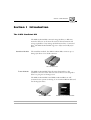
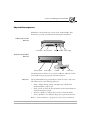
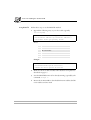
Push button
(StorPoint HD/T)
Push button
(StorPoint HD)
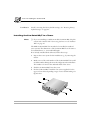
3. Release the Push button and wait at least two seconds (one flash of
the Network indicator).
4. Press and hold the Push button for at least five seconds until the
Network indicator remains constantly lit.
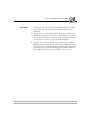
The StorPoint is now reset to factory default settings and will
automatically restart.
70
AXIS StorPoint HD User’s Manual