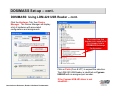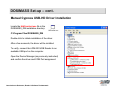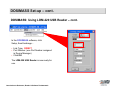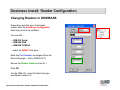
1
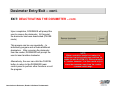
Dosimeter History – cont.
READING AN EVENTS HISTORY – cont.
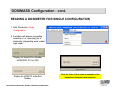
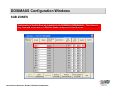
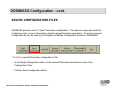
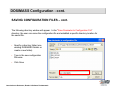
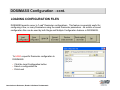
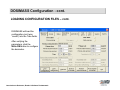
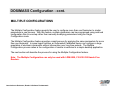
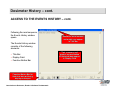
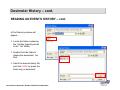
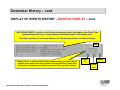
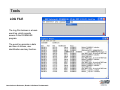
A File Directory window will
appear….
3. Locate the folder containing
the .his files (typically stored
in the “his” folder).
4. Double Click the folder to
display the associated .his
files.
5. Select the desired history file,
and click LOAD (or press the
Enter key (on keyboard)
Introduction to Dosimeter, Reader & Software Fundamentals