1
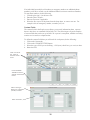
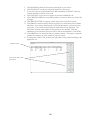
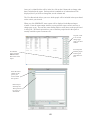
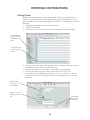
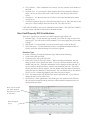
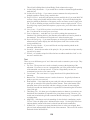
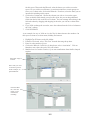
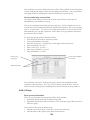
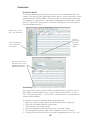
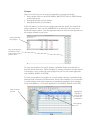
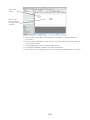
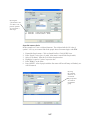
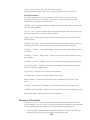
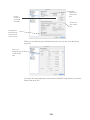
5. Indicate which row the data starts. For example if you have titles in row 1, the data
would start on line 2.
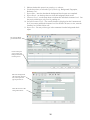
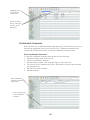
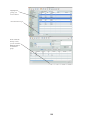
6. Click LOAD FILE. Navigate to your text file and open it. Your data will be displayed
in a spreadsheet fashion in the lower section of the window.
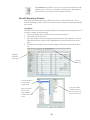
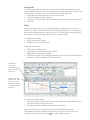
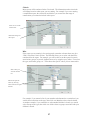
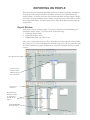
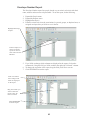
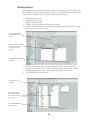
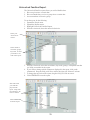
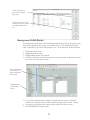
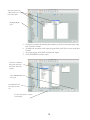
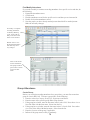
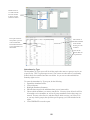
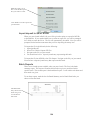
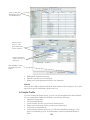
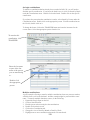
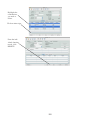
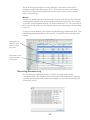
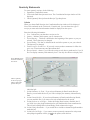
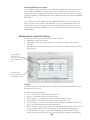
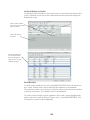
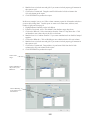
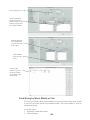
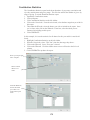
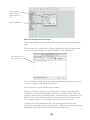
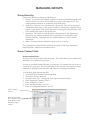
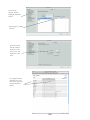
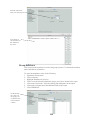
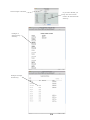
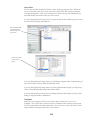
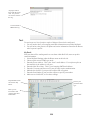
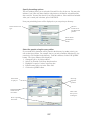
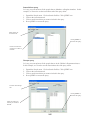
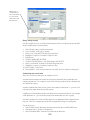
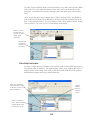
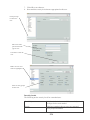
Click on Import
menu item.
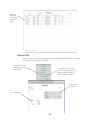
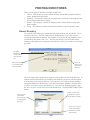
Choose file format
type, then click
NEXT.
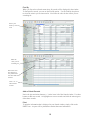
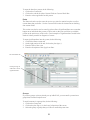
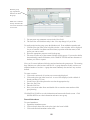
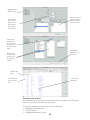
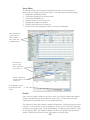
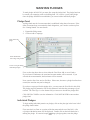
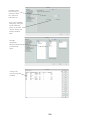
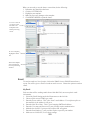
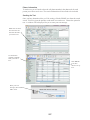
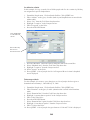
Enter defaults for
Association and
Family Position.
Click LOAD
FILE, navigate
to your date,
then click
OPEN.
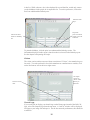
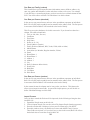
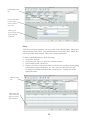
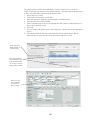
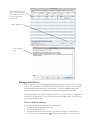
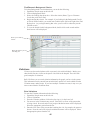
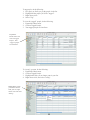
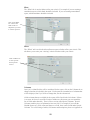
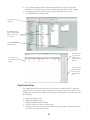
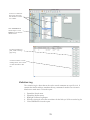
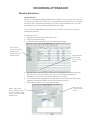
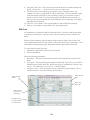
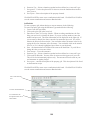
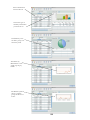
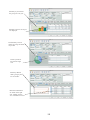
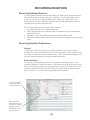
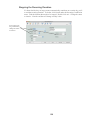
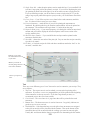
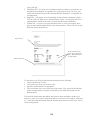
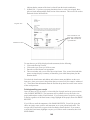
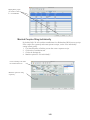
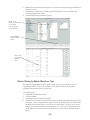
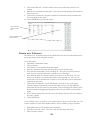
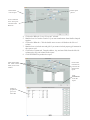
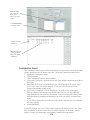
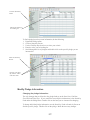
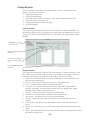
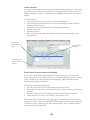
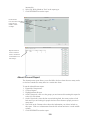
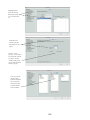
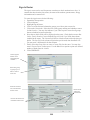
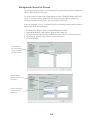
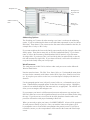
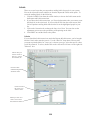
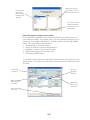
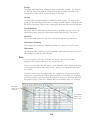
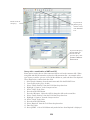
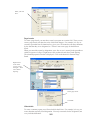
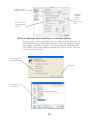
7. If you selected a custom file format, you will need to use the drop down box at the top
of each column to define the data represented in that column. If you do not want to
import the data in a column, leave the selection as SKIP.
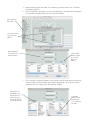
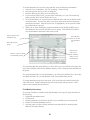
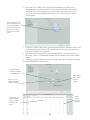
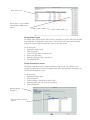
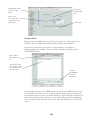
Click on the column SKIP, to get
the drop down of
fields. Select the
field name that represents this column.
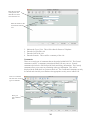
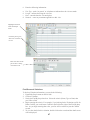
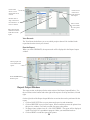
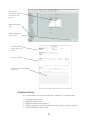
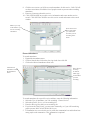
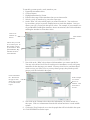
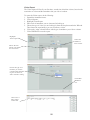
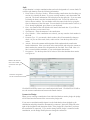
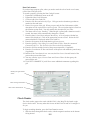
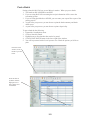
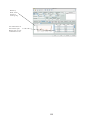
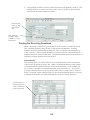
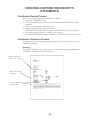
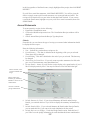
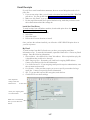
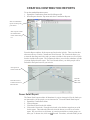
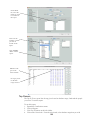
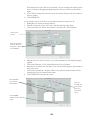
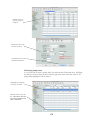
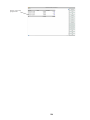
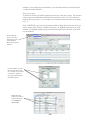
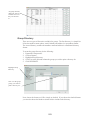
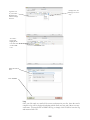
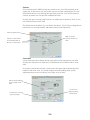
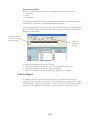
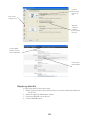
Click FINISH to import
the data once
you’ve mapped
all fields.
25