1
--->
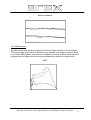
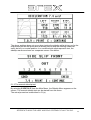
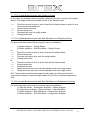
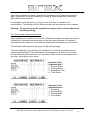
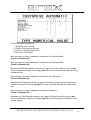
After completion of the test, the system automatically reverts to the
beginning of the suspension test or, in case of a combined automatic test, it
automatically switches to the selected next test sequence.
Pressing 'E' takes you out of the automatic mode and returns you to the Main Menu.
4.1.2 The manual suspension test
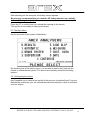
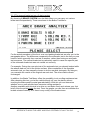
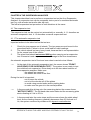
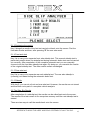
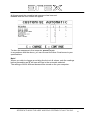
By choosing 3 SUSPENSION from the Main Menu the Suspension Test Menu
appears on the screen. A manual suspension test can be started from this menu.
For the actual procedure of a manual suspension test we refer you to the above
described automatic procedure. The only difference is that you have to select
manually and switch from front axle test to rear axle test.
4.2 The Suspension/Adhesion Test Results
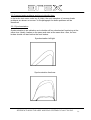
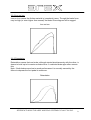
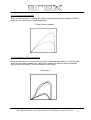
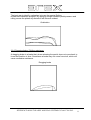
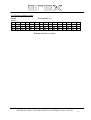
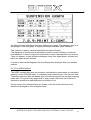
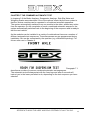
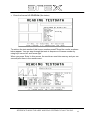
After completion of a suspension test, the results can be called back onto the screen.
The results of a test remain in the computers memory until the next suspension test
is started.
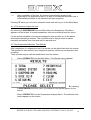
There are two ways to call the results back onto the screen:
1.
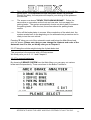
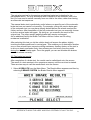
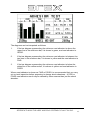
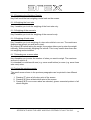
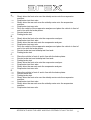
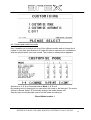
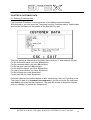
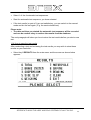
Select 0 RESULTS from the Main Menu. The Results menu appears:
By selecting
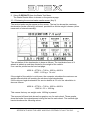
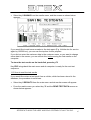
3 SUSPENSION from this menu, the adhesion test results appear on the
screen.
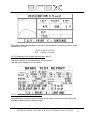
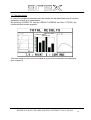
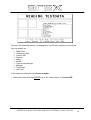
Select 0 RESULTS from the Suspension Analyser Menu. The adhesion test
results appear on the screen.
REFERENCE BOOK FOR AREX MODULAR SYSTEMS GC1400/1700/2002
38