1
Consolidated Position
4.1. Current and savings accounts(Asset side)
1.
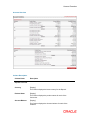
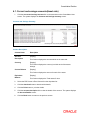
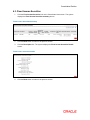
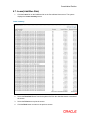
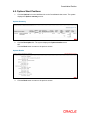
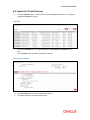
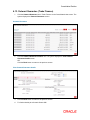
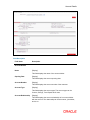
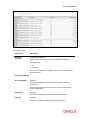
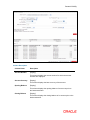
Click the current and savings account link on the asset side on the Consolidated view
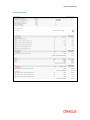
screen. The system displays the Currenct and Savings summary screen.
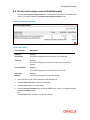
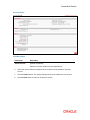
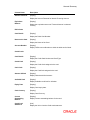
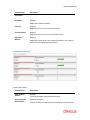
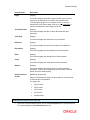
Currenct and Savings Summary
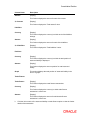
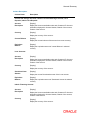
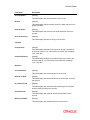
Column Description
Column Name
Description
Account
Description
[Display]
Currency
[Display]
This Column displays the account which are in asset side..
This Column displays the currency in which each of the assets
belongs.
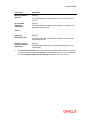
Current Balance
[Display]
This Column displays the amount for each of the asset.
Equivalent
Balance
[Display]
This Column displays the Total assets % wise.
2.
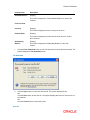
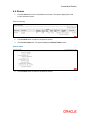
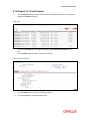
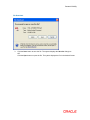
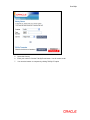
Select the PDF format or Excel format from the dropdown list.
3.
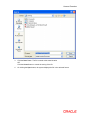
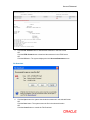
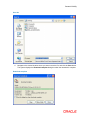
Click the download button to download the details.
4.
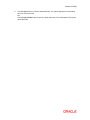
Click the Print button to print the details.
5.
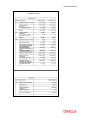
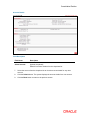
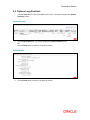
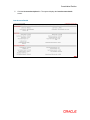
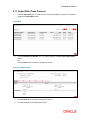
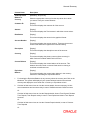
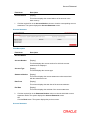
Click the account description link to view the details of the account. The system displays
the Account Details screen.
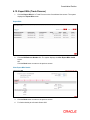
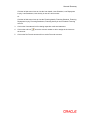
6.
Click the Back button to return to the previous screen.