1
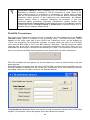
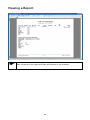
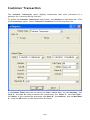
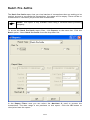
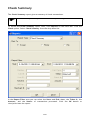
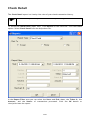
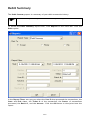
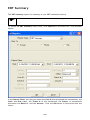
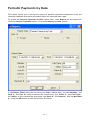
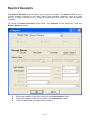
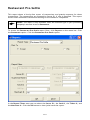
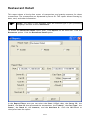
Reports Simple Explanation: This section explains how to access each report Note: This function provides access to all reports accessible at the Server and find out what transaction information each report presents. You will also learn how to configure your report's data. location of PCCharge. If you find that a report is not accessible, it usually means that the active processing company does not support that report type. The Reports menu on PCCharge Client's menu bar has many sub-menus. The reports are categorized by the type of data they display: credit card Transactions, Batches, Check transactions, Debit transactions, etc. When selected, each Reports menu item brings up a window similar to the following: 92