1
PresencePLUS Software Tools
2/2010
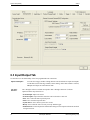
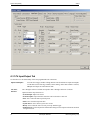
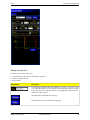
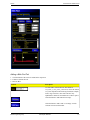
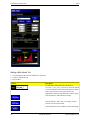
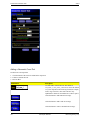
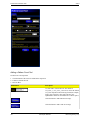
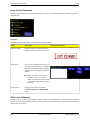
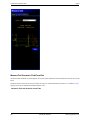
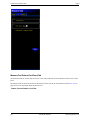
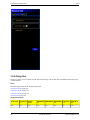
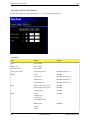
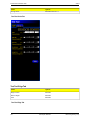
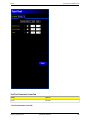
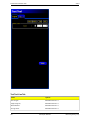
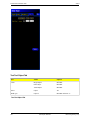
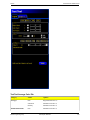
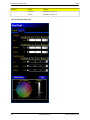
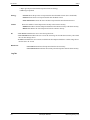
Adding a Blob Detect Tool
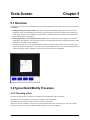
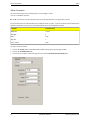
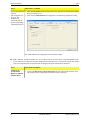
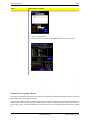
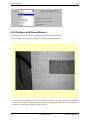
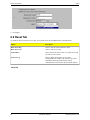
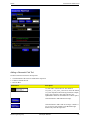
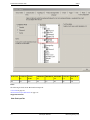
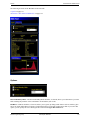
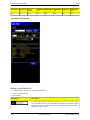
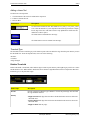
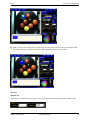
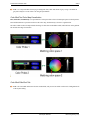
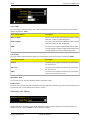
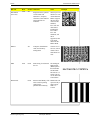
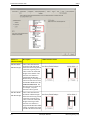
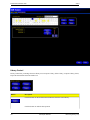
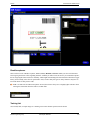
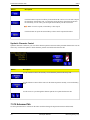
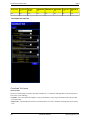
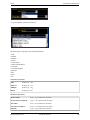
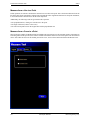
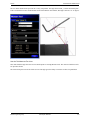
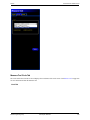
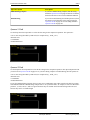
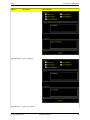
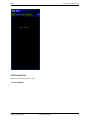
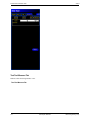
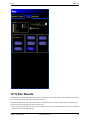
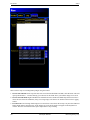
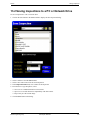
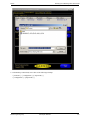
1. Click the button of the tool to be added to the inspection.
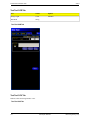
2. If desired, rename the tool.
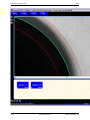
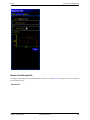
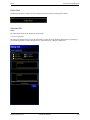
3. Draw an ROI.
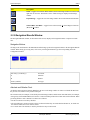
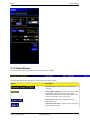
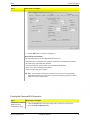
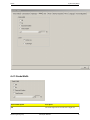
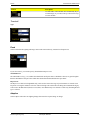
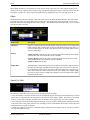
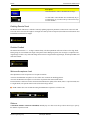
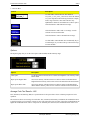
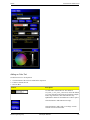
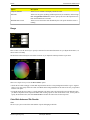
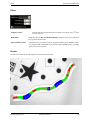
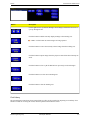
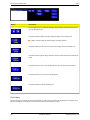
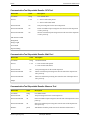
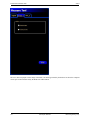
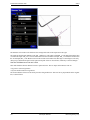
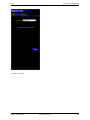
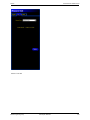
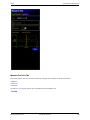
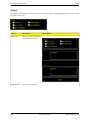
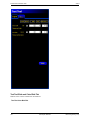
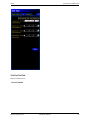
Control
Description
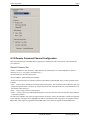
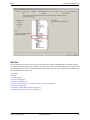
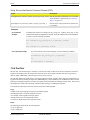
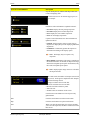
Use this field to rename the tool. The default is
tool_name_1, tool_name_2, and so on, where the default
tool_name depends on the tool being created (for example,
locate, edge or the like). The name can have only
alphanumeric characters and underscores with no spaces.
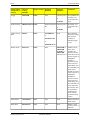
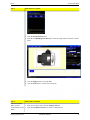
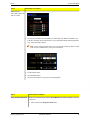
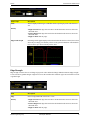
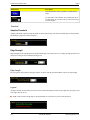
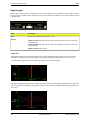
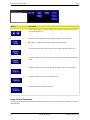
Click this button to add an ROI to an image.
Click this button to add a mask to an image. A mask
excludes an area inside the ROI.
Click this button to remove an ROI or mask from an image.
126
Minneapolis, MN USA
Banner Engineering Corp.