1
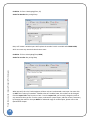
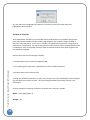
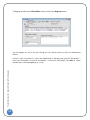
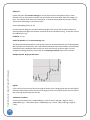
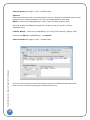
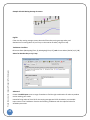
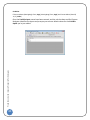
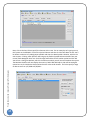
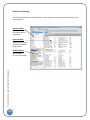
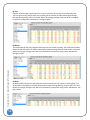
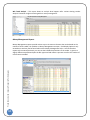
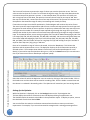
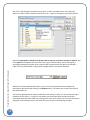
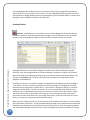
than 75%, Trade Navigator can ignore those results. To filter unwanted results, select the given statistic you wish to filter column item and click on the … button to the right to access filter options. Trade Sense Guide | Genesis Financial Technologies Select from Not Equal to, Greater than, Greater than or Equal to, Less than, Less than or Equal to, and finally Equal to. The adjacent box is the filter value. In the example shown, we are filtering for a winning percentage to be greater than or equal to 85% (must be entered in decimal format 85% = 0.85). Click on the Save button to apply these changes and filter the reports displayed. 76 With each listed test and displayed results, you can view the complete Performance Report by selecting the desired test and clicking on the Reports button. This allows you to view every detail of that optimization run. The columns displayed are the inputs the Optimizer has tested. I‐1 (Input 1) is the incremental steps tested for the first input. I‐2 (Input 2) is not shown, but would if we had a second input and it's incremental steps that were tested. By clicking on the value in the column, the rule name and input is displayed in the information box in the lower left corner (circled in the following example).