1
802.11n Wireless Router
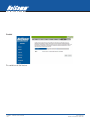
Schedule
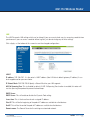
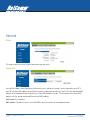
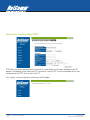
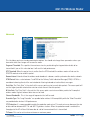
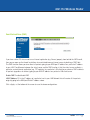
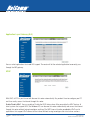
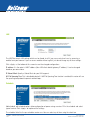
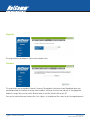
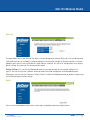
This page allows user to set up schedule function for Firewall and Power Saving.
Add schedule, edit schedule options to allow configuration of firewall and power savings services. Fill in the
schedule and select type of service. Click <Apply> to implement those settings.
The schedule table lists the pre-schedule service-runs. You can select any of them using the check box.
YML�����������
800N�������
X�����
Powern User Guide
www.netcomm.com.au25