1
14
Splitting Walls
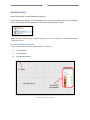
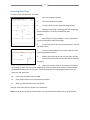
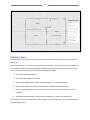
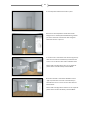
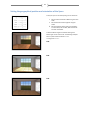
Individual walls can be split into multiple segments if needed. The following steps describe how to split
and move walls.
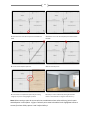
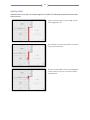
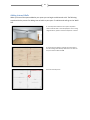
1. Select a wall by clicking on it with the LMB. The wall
will be highlighted in red.
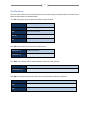
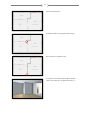
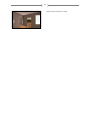
2. In the 'Walls' Tab click the 'Split' Button. The wall will
now by split in equal halves.
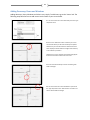
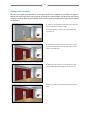
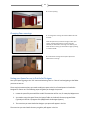
3. Click and hold the LMB on one end of the highlighted
section of wall and move it to a new position. Release
the LMB to finish.