1
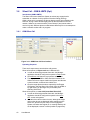
2.4.1
GSM RTX Control
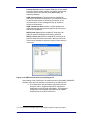
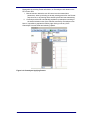
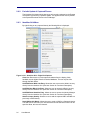
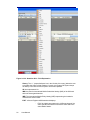
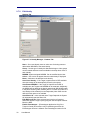
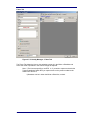
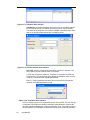
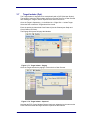
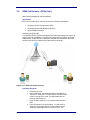
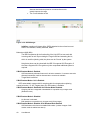
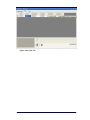
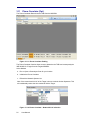
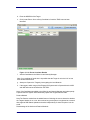
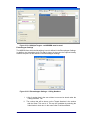
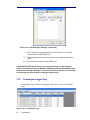
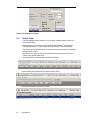
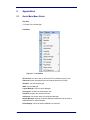
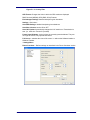
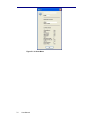
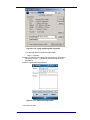
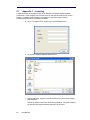
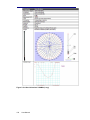
Figure 2-4.1: Preset configuration
Presets: The name you enter is for management and user interfaces
purposes only and will not be transmitted to the mobile phones
connected to the Engage Gi2 System. The name displayed on the
mobile phone screen is a function of the Country Code and Network
Code only.
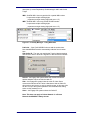
By using the right-click operation, a context menu is displayed and the
user is able to operate on the presets list:
Add: Adds a new preset to the list
Clone: Clones the currently existing preset, under another
name
Delete: Deletes currently selected preset from the list
Rename: Renames the currently selected preset
The context menu is disabled while transmitting or if you work in
Channelyser mode.
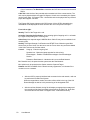
Mode: Accept or Reject mode of transmitting. (See Section 2.5.3)
SMS Ack: SMS "Acknowledgement" mode:
16
User Manual