1
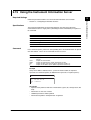
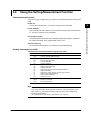
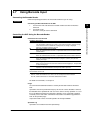
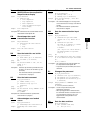
2.7 Using the Setting/Measurement Server
7.
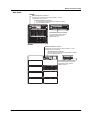
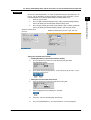
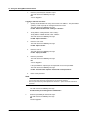
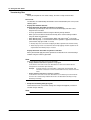
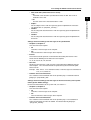
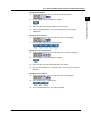
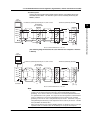
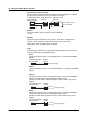
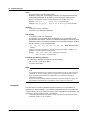
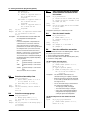
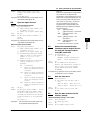
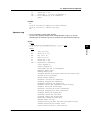
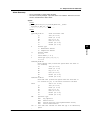
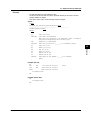
Enter the password you entered in step 6.
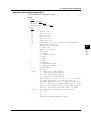
The DXP returns the following message.
E0
You are logged in.
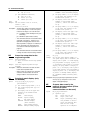
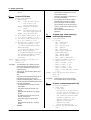
Logging in after the First Time
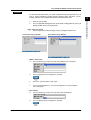
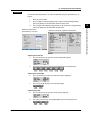
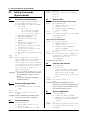
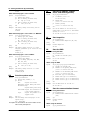
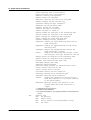
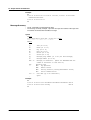
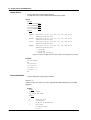
1.
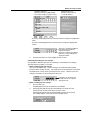
Specify the destination DXP using a host name or IP address. The port number
(34260) is used to specify the setting/measurement server.
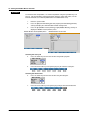
The DXP returns the following message.
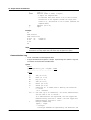
E1 402 “Select function from ‘setting’ or ‘monitor’.”
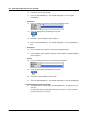
2.
To log into the setting function, enter “setting.”
To log into the monitor function, enter “monitor.”
The DXP returns the following message.
E1 400 “Input username.”
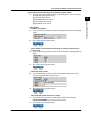
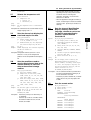
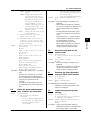
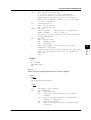
3.
Enter the user name.
The DXP returns the following message.
E1 405 “Input user ID.”
4.
Enter the user ID.
The DXP returns the following message.
E1 401 “Input password.”
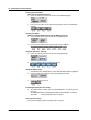
5.
Enter the password.
The DXP returns the following message.
E0
You are logged in.
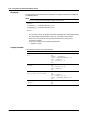
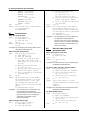
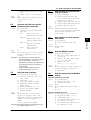
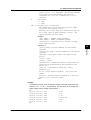
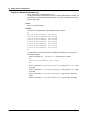
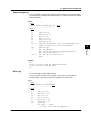
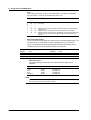
If the password has expired, you are requested to set a new password.
The DXP returns the following message.
E1 407 “Password has expired. Please enter a new password.”
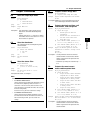
6.
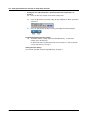
Enter a new password.
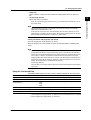
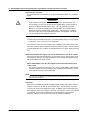
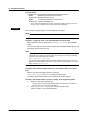
Note
•
•
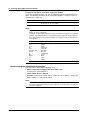
The combinations of user IDs and passwords that are identical to those specified by other
users or those that have been registered in the past cannot be specified.
Enter the password using 6 to 8 alphanumeric characters. Spaces cannot be used for the
password.
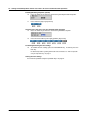
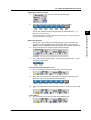
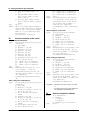
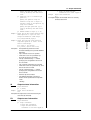
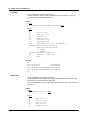
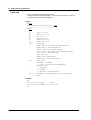
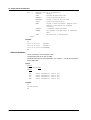
The DXP returns the following message.
E1 408 “Enter password again for confirmation.”
7.
2-22
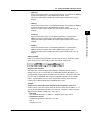
Enter the password you entered in step 6.
The DXP returns the following message.
E0
You are logged in.
IM 04L05A01-17E