1
Sybit Model Tester – User Manual
4.10.2
Page 42 of 64
Messages Tab
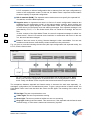
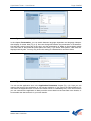
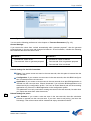
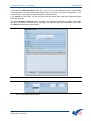
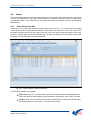
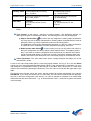
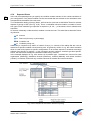
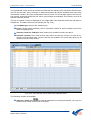
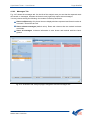
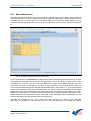
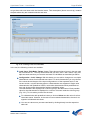
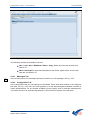
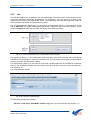
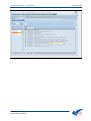
Fig. 4-27 shows the messages tab. On the left of the analysis area you see that the expected result
did contain no messages, whereas the factual result (right side) reports some messages.
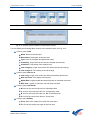
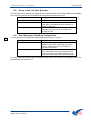
You may choose among the following view modes via the drop down box:
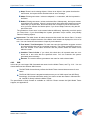
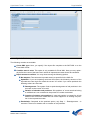
Show conflicts only: Only those lines are displayed where expected and factual results do
not match. Those lines are red.
Show relevant messages (default value): Rows and columns that are marked irrelevant
are hidden.
Show all messages: Irrelevant information is also shown and marked with blue background.
Fig. 4-27: Evaluation tab, analysis popup: Navigation area and messages tab.
Document version: 2.07
Release date: 21.06.2010