1
Advanced Features
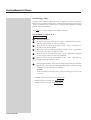
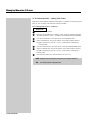
22.30 Copying a Patch
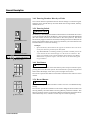
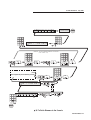
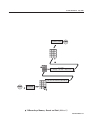
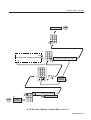
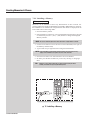
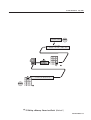
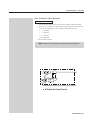
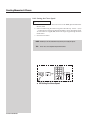
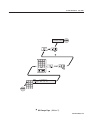
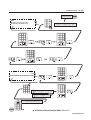
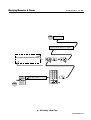
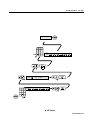
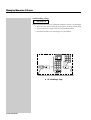
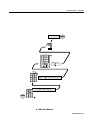
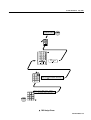
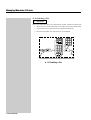
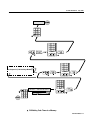
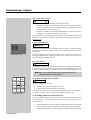
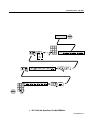
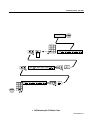
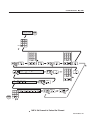
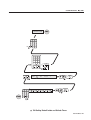
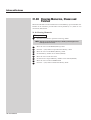
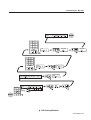
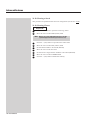
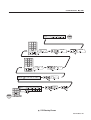
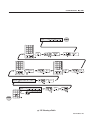
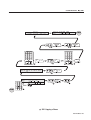
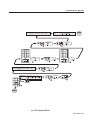
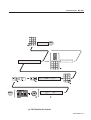
☞ Diagram 22C
1
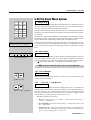
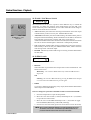
Press the Clear button to open the Clear/Copy menu.
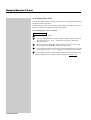
NOTE:
Move the cursor to the FUNCTION: field and press the 1 (On) button to toggle the
field from Copy to Clear if necessary.
2
Move the cursor to the PTCH (Patch) field.
3
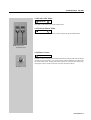
Press the 1 (On) button to open the Copy Patch menu.
4
Move the cursor to the FROM field (the Patch table to be copied).
5
Set the Patch table to be copied.
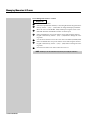
NOTE:
The maximun number of Patches is three (3).
6
Move the cursor to the TO: field (the new Patch table to be copied to).
7
Set the Patch table number.
8
Move the cursor to the CONFIRM field.
9
Press the 1 (On) button to copy the Patch.
Example:
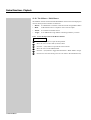
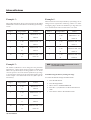
Diagram 22C shows Patch 1 being copied to Patch 2.
134 Event V3 Manual