1
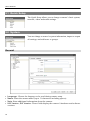
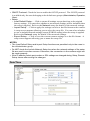
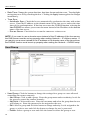
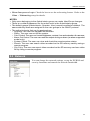
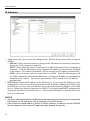
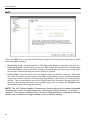
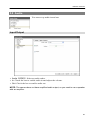
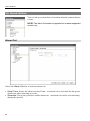
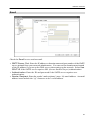
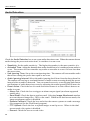
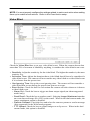
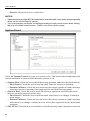
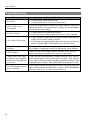
User’s Manual IP Address Type: Select the type of network configuration. Remote Setup closes after saving the changes. − Manual: Select when the camera is using a static IP address for network connection, and set up LAN parameters manually. − DHCP: Select when the camera is networked via DHCP (Dynamic Host Configuration Protocol). Click the OK button, and a temporary IP address is automatically assigned to the camera. The camera periodically will be issued a new IP address automatically. − ADSL: Select when the camera is networked via ADSL. Enter the ID and password for ADSL connection, and click the OK button. A temporary IP address is automatically assigned to the camera. The camera periodically will be issued a new IP address automatically. DNS Server: Enter the IP address of the DNS server. If you set up the DNS server, the domain name of the server can be used instead of the IP address during the DVRNS, time or SMTP server setup. Ask your Internet service provider for the IP Address of the DNS Server. When the camera is networked via DHCP, selecting From DHCP automatically assigns the IP address of the DNS server. The assigned IP address is displayed the next time it is connected. NOTES: Ask your network provider for details about the network connection type and connection information for the camera or the IP address of the DNS server. If the camera is configured for a DHCP or ADSL network, it is best to use the DVRNS function because the camera IP address might change frequently. 14