1
C HAPTER 10. P LUGINS
113
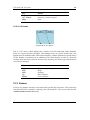
M/DA (Measurements per Disk Activity) The number of measurements stored temporarily in memory, before written on the log file. This can give you an idea
of how many voltage changes there are between disk activity (or one hour).
C Stands for Charger. An ”A” in that column shows if there was the power adapter
attached to the unit, at the time of the measurement.
S The ”S” column shows the state of the device (Charging, or not). The ”C” indicated
that the unit was charging when the measurement was captured.
U USB powered. Only for targets that support this. A ”U” will indicate if the unit was
using the USB port for powering.
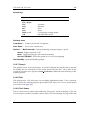
Making graphs
While you can tell how long your battery lasted, with a single look at the last line of the
battery log (/battery bench.txt), the most useful purpose of Battery Benchmark
is to make graphs using a spreadsheet program like Excel or Calc. The battery log
(/battery bench.txt) is in CSV format (comma separated) so you can quite easily
import it to a spreadsheet program.
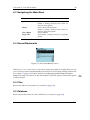
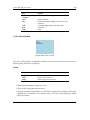
10.4.2 Calculator
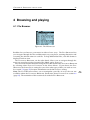
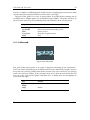
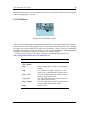
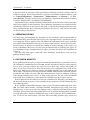
Figure 10.38: Calculator
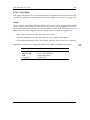
This is a simple scientific calculator for use on the player. It works like a standard
calculator. Pressing the “1st” and “2nd” buttons will toggle between other available
math functions.
T HE R OCKBOX MANUAL
I RIVER H1 XX