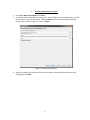
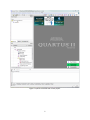
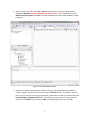
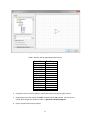
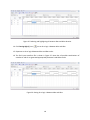
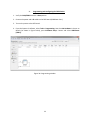
Figure 18. Simulation Waveform Editor.
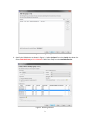
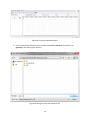
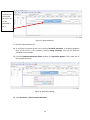
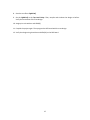
3. From the Simulation Waveform Editor window, Select File > Save As and save the file as
light.vwf in the same project directory.
Figure 19. Saving the new input waveform file.
14