1
How to Use the Simulator
Setting up the Simulator for M-TIP Testing for Online PIN Transactions
Setting up the Simulator for M-TIP Testing for Online PIN
Transactions
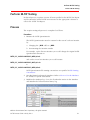
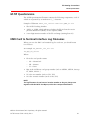
When on-line PIN transactions are in scope of M-TIP testing, acquirers need to
perform this additional simulator set-up.
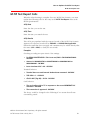
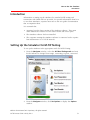
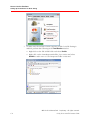
1. In the Options window select the Crypto Keys tab.
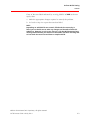
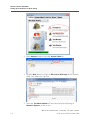
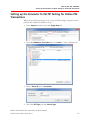
2. Select the PINKeySet_User folder then click New to create a PIN Key Set.
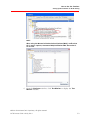
3. Enter a Group ID and a description.
4. Select the DES Type and the Variant Type.
@2010–2014 MasterCard. Proprietary. All rights reserved.
M-TIP Process Guide • 8 July 2014
C-5