1
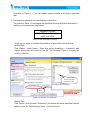
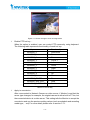
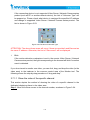
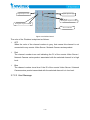
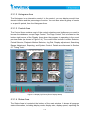
As shown in Figure 1-1, you can disable system restore of all disk or specified
disk.
X
X
3. Exclude file protectation for specified files in AntiVirus -
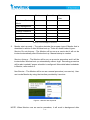
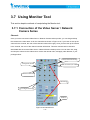
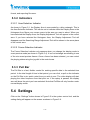
The following Table 1-2 represents the specified files that should be excluded in
AntiVirus to accelerate our application.
X
X
Suggest to Exclude
DBS, DES, DIA, DSK, DSS
HGD, WAP, BCK
Table 1-2 Specified Files to Exclude
There are two ways to exclude file protection of above files from AntiVirus:
Method One:
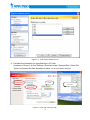
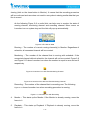
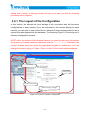
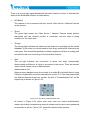
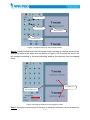
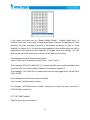
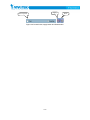
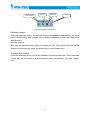
Find “Option \ Auto-Protect \ Scan files using SmartScan \ Customize” and
ensure above files don’t exist on the list. The following Figure 1-2 shows the
X
X
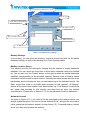
location of the list.
Ensure specified
files don’t exist
Click
Figure 1-2 The File List in AntiVirus
Method Two:
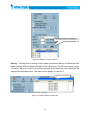
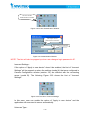
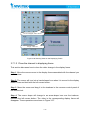
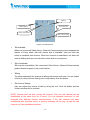
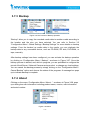
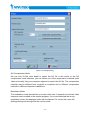
Find “Option \ Auto-Protect \ Exclusions” and ensure all above specified files are
added on the list. The following Figure 1-3 shows the list.
X
X
1-5