1
BEFORE SETTING
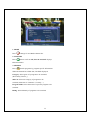
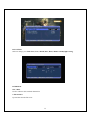
■Menu Information
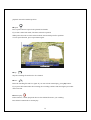
Selectable lines are generally activated(highlighted). No-activated lines cannot be selected.
Most of menus show short information at the bottom of the screen.
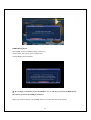
■Basic Key Control
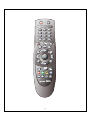
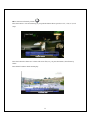
With the UP/DOWN button you can move upwards and downwards in the menus. In most of menus,
you can search channels with the button.
When you have reached the required subject menu, press the OK button to confirm your choice.
In case of changing TV channel you can only press UP/DOWN button.
In most of menus, you can select menu items with REFT/RIGHT button.
When you want to return to the previous menu with saving the change, press the MENU button.
When you want to exit from current menu, press the EXIT button.
GET STARTED FOR THE FIRST TIME
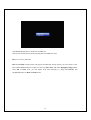
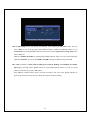
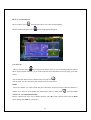
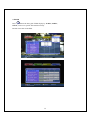
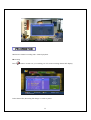
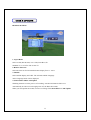
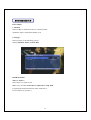
If it is the first time using relook 300S, you should set parameters for system configuration and scan
satellite.
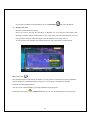
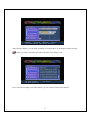
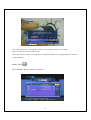
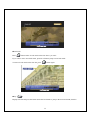
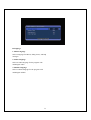
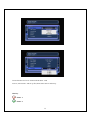
Follow setup procedure for scanning the satellite. When you have finished the procedure, you can
start watching TV or listening to Radio.
18