1
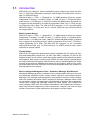
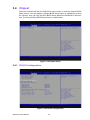
AMIBIOS has been integrated into many motherboards for over a decade. With the
AMIBIOS Setup program, users can modify BIOS settings and control various system features. This chapter describes the basic navigation of the ARK-3510 BIOS
setup screens.
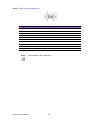
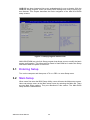
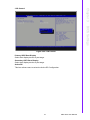
Figure 3.1 Setup program initial screen
AMI's BIOS ROM has a built-in Setup program that allows users to modify the basic
system configuration. This information is stored in flash ROM so it retains the Setup
information when the power is turned off.
3.1 Entering Setup
Turn on the computer and then press <F2> or <DEL> to enter Setup menu.
3.2 Main Setup
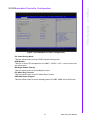
When users first enter the BIOS Setup Utility, users will enter the Main setup screen.
Users can always return to the Main setup screen by selecting the Main tab. There
are two Main Setup options. They are described in this section. The Main BIOS
Setup screen is shown below.
ARK-3510 User Manual
30