1
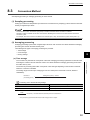
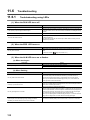
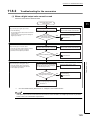
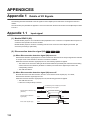
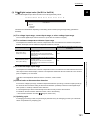
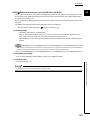
(a) Check item 1
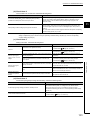
The read program is incorrect, or the CPU module is in STOP status. Check the following items.
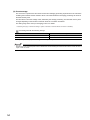
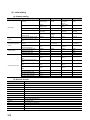
Check item
Action
Is the program to read a digital output value correct?
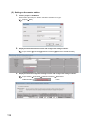
Check CH Digital output value (Un\G11 to Un\G14) using the monitor function of
GX Works2 ("Device/Buffer Memory Batch" or "Intelligent Function Module
Monitor"). If the digital output value is stored according to the analog input, correct
the read program.
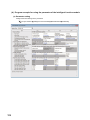
Is the auto refresh setting correct?
If the value in CH Digital output value (Un\G11 to Un\G14) is transferred to the
device of the CPU module using auto refresh, check that the auto refresh setting is
correct.
Is the CPU module in the STOP status?
Change the status of the CPU module to RUN.
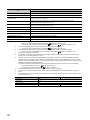
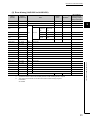
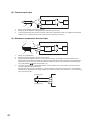
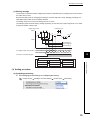
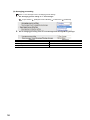
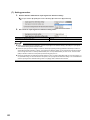
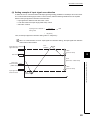
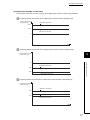
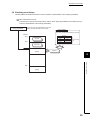
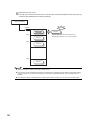
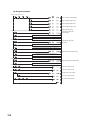
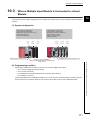
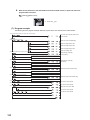
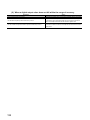
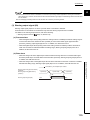
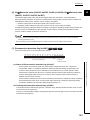
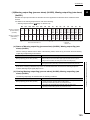
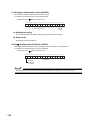
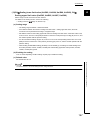
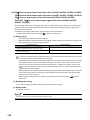
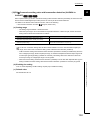
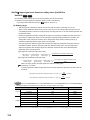
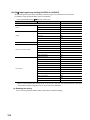
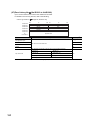
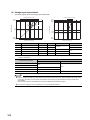
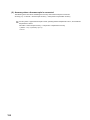
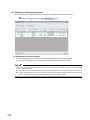
The following are the points to check the read program.
• Program example for the multiple input module where the start I/O number is set to X/Y30
[Point 1]
Are X/Y device numbers the ones assigned to
the module?
"X/Y: 30 to 3F" in this example
Read
command
[Point 2]
Is the intelligent function module device described
properly?
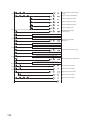
[Point 3]
To read a digital output value using the FROM instruction
\
130
Set a buffer memory address in a decimal.
Set a buffer memory address in a
decimal.
The first two digits of the start I/O number
when it is expressed in three figures.
Set "3" in this example.
The first two digits of the start I/O
number when it is expressed in three
figures.
Set "3" in this example.