1
View Inspection
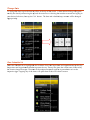
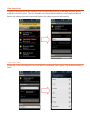
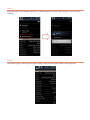
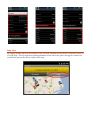
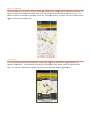
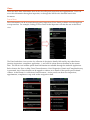
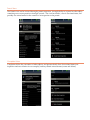
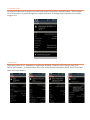
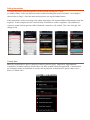
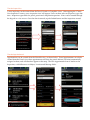
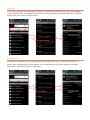
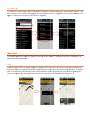
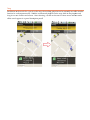
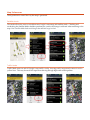
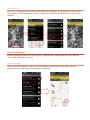
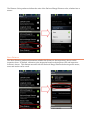
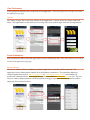
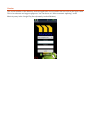
Tapping on an inspection in the Schedule, or the corresponding letter tag on the Map will bring up the inspection overview screen. The view is broken into several functional pieces, most notably the Record Results (for editing inspection status) and Options (for editing inspection information). Inspection Status
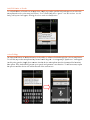
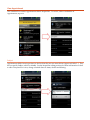
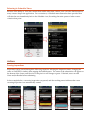
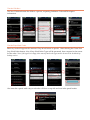
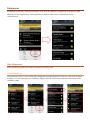
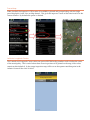
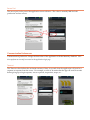
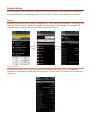
Simply tap on the status dropdown to reveal the list or preloaded status options. Tap the desired status to enter.