1
Multi-WAN QoS Router
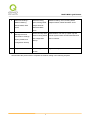
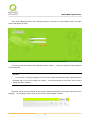
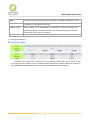
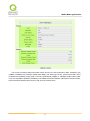
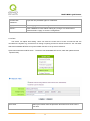
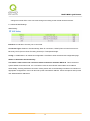
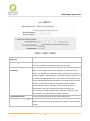
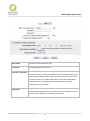
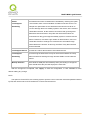
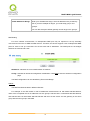
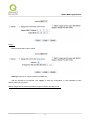
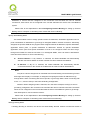
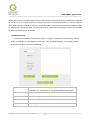
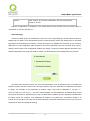
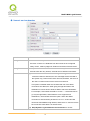
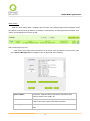
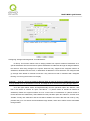
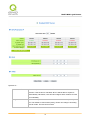
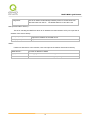
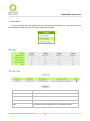
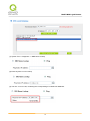
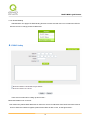
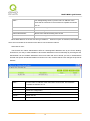
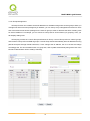
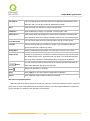
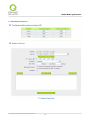
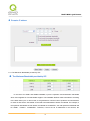
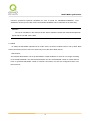
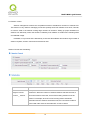
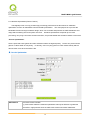
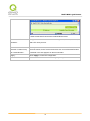
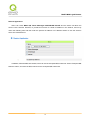
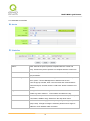
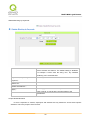
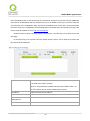
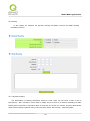
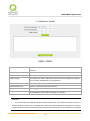
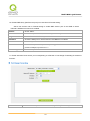
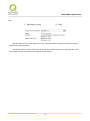
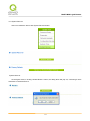
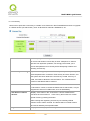
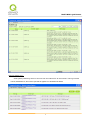
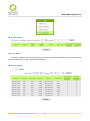
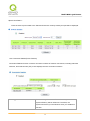
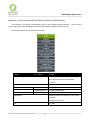
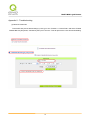
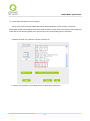
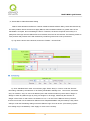
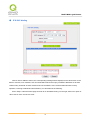
Click to display IP and MAC binding list dialog box. In this box, the unbinding IP and MAC address
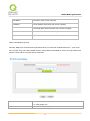
corresponding to the PC are displayed. Enter the "Name" of the computer and click on "Enabled" with the
display of the “√” icon and push the option on the top right corner of the screen to confirm.
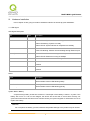
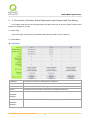
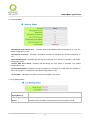
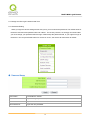
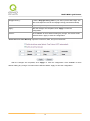
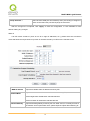
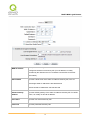
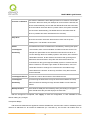
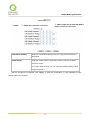
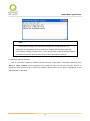
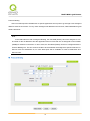
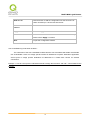
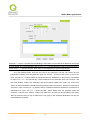
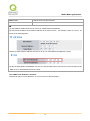
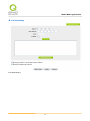
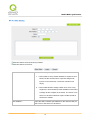
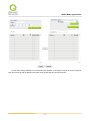
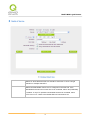
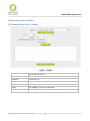
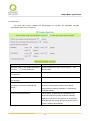
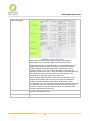
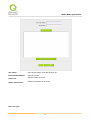
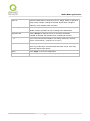
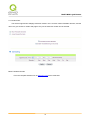
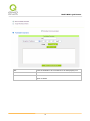
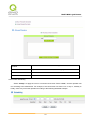
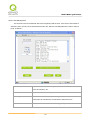
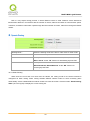
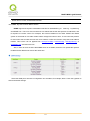
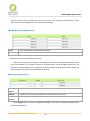
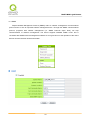
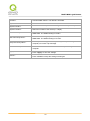
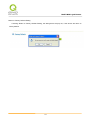
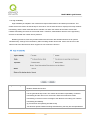
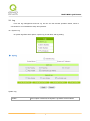
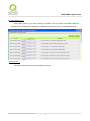
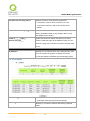
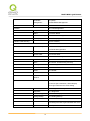
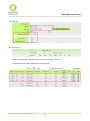
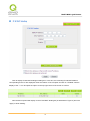
Now the bound options will display on the IP and MAC binding list (as illustrated in Figure 5) and click
"Apply” to finish binding.
35