1
PA RT T WO : C O M M A N D S
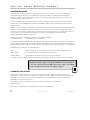
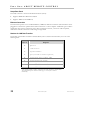
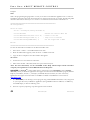
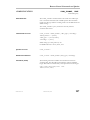
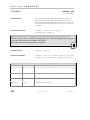
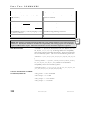
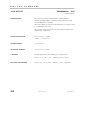
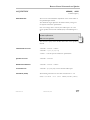
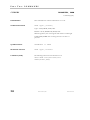
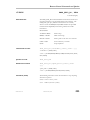
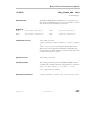
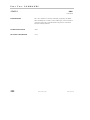
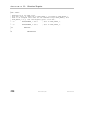
FUNCTION
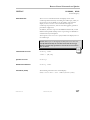
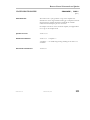
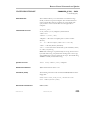
DEFINE, DEF
Command/Query
DESCRIPTION
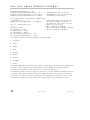
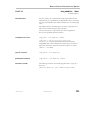
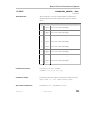
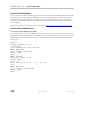
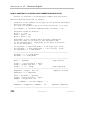
The DEFINE command specifies the mathematical expression to
be evaluated by a function. This command is used to control all
math tools and zoom in the standard oscilloscope as well as those in
the optional math software packages. See the O p e r a t o r’ s Ma n ua l
for details.
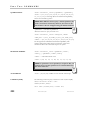
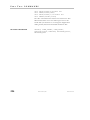
COMMAND SYNTAX
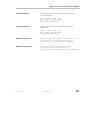
<function> : DEFine EQN,‘<equation>’
[,<param_name>,<value>,...]
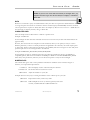
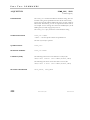
NOTE: Function parameters are grouped in pairs. The first in the pair names the variable to be
modified, <param_name>, while the second one gives the new value to be assigned. Pairs can be given
in any order and restricted to the variables to be changed.
Space (blank) characters inside equations are optional.
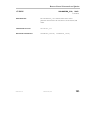
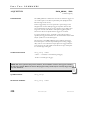
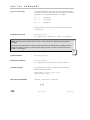
QUERY SYNTAX
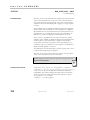
<function> : DEFine?
RESPONSE FORMAT
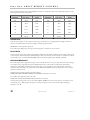
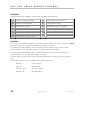
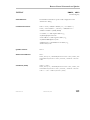
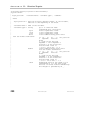
<function> : DEFine EQN,‘<equation>’[,MAXPTS,<max_points>]
[,SWEEPS,<max_sweeps>][,WEIGHT,<weight>][,BITS,<bits>]
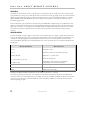
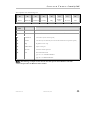
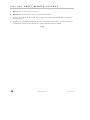
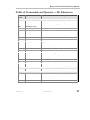
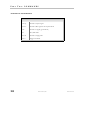
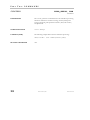
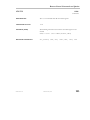
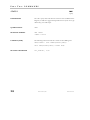
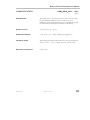
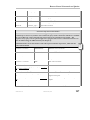
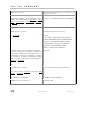
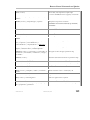
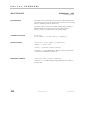
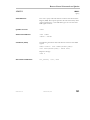
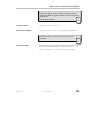
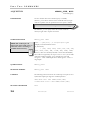
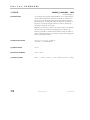
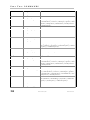
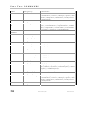
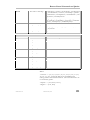
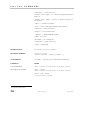
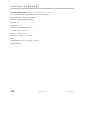
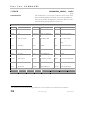
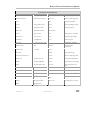
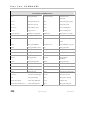
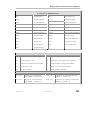
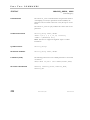
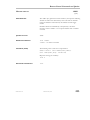
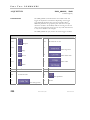
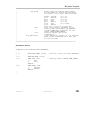
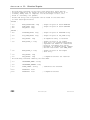
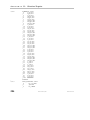
FUNCTION PARAMETERS
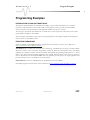
<param_name>
<value>
Description
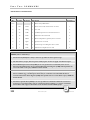
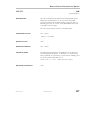
BITS
<bits>
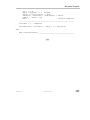
Number of ERES bits
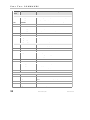
CENTER
<center>
Horizontal center position for histogram display.
EQN
‘<equation>’
Function equation as defined below
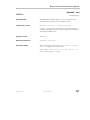
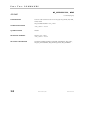
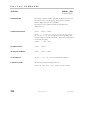
LENGTH
<length>
Number of points to use from first waveform
MAX_EVENTS
<max_values>
Maximum number of values in histogram
MAXBINS
<bins>
Number of bins in histogram
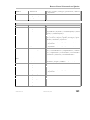
START
<start>
Starting point in second waveform
126
ISSUED: February 2005
WM-RCM-E Rev D