1
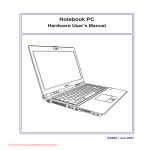
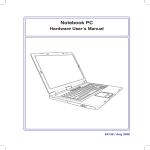
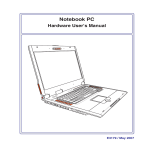
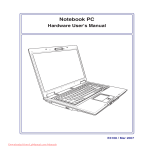
Knowing the Parts
1
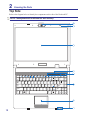
Camera (on selected models)
2
Microphone (Built-in)
3
Display Panel
4
Instant Keys
5
Status Indicators (top)
6
Keyboard
7
Touchpad and Buttons
8
Status Indicators (front)
2
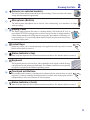
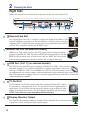
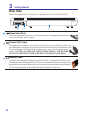
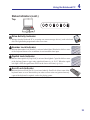
The built-in camera allows picture taking or video recording. Can be used with video conferencing and other interactive applications.
The built-in mono microphone can be used for video conferencing, voice narrations, or simple
audio recordings.
The display panel functions the same as a desktop monitor. The Notebook PC uses an
active matrix TFT LCD, which provides excellent viewing like that of desktop monitors.
Unlike desktop monitors, the LCD panel does not produce any radiation or flickering, so it
is easier on the eyes. Use a soft cloth without chemical liquids (use plain water if necessary)
to clean the display panel.
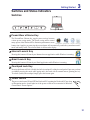
Instant keys allow you to launch frequently used applications with one push of a button.
Details are described in section 3.
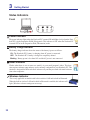
Status indicators represent various hardware/software conditions. See indicator details in section 3.
The keyboard provides full-sized keys with comfortable travel (depth at which the keys
can be depressed) and palm rest for both hands. Two Windows function keys are provided
to help ease navigation in the Windows operating system.
The touchpad with its buttons is a pointing device that provides the same functions as a desktop mouse. A software-controlled scrolling function is available after setting up the included
touchpad utility to allow easy Windows or web navigation.
Status indicators represent various hardware/software conditions. See indicator details in section 3.
13