1
GSM Gateway User manual
9. Network
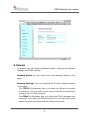
In Network you can check the Network status, configure the Network
Settings and DDNS settings.
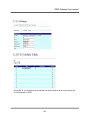
Network Status: you can check the current Network setting in this
page.
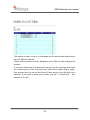
Network Settings: You can configure the IP Phone Network setting
in this page.
The TCP/IP Configuration item is to setup the LAN port’s network
environment. You may refer to your current network environment to
configure the IP Phone properly.
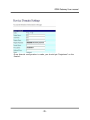
The PPPoE Configuration item is to setup the PPPoE Username and
Password. If you have the PPPoE account from your Service Provider,
please input the Username and the Password correctly.
-7-