1
G A L L E R Y
M O D U L E
obtain a license key by visiting http://www.packflash.com/packflash-module-licensekey-retrieval. If you have not already purchased a module, follow the instructions on
page:
http://www.packflash.com/DotNetNukeModules/ModuleTrials/ModuleTrialInstr
uctions/tabid/261/Default.aspx.
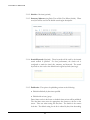
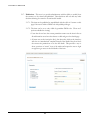
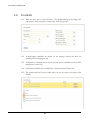
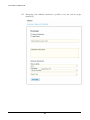
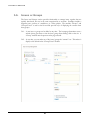
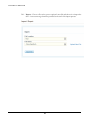
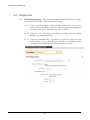
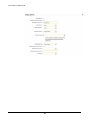
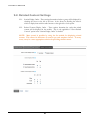
1.2.3. With the license key copied, click on the “Licensing” icon or link. This will bring up
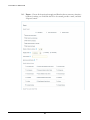
the screen below.
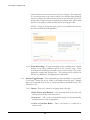
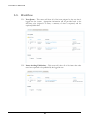
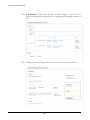
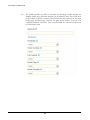
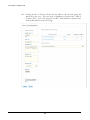
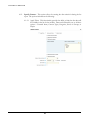
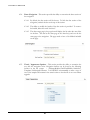
1.2.4. Click the module name that you wish to install on the menu on the left and paste the
license key into the corresponding box for that module. Then click “Update”.
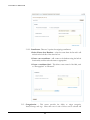
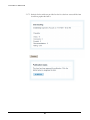
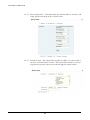
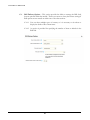
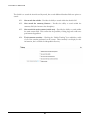
1.2.5. The text “License is Valid for XXX” where XXX is the name of the module being
activated. If the license is not valid or expired, a message related to this will be
presented.
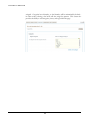
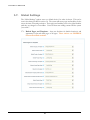
1.2.6. Repeat this same process for all modules that need to be activated.
3