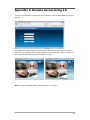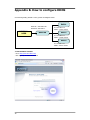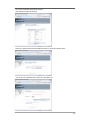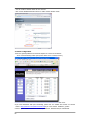
1
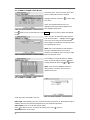
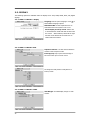
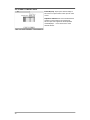
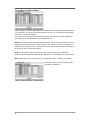
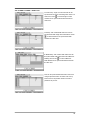
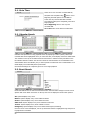
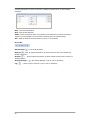
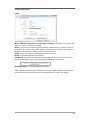
Group:
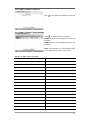
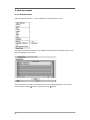
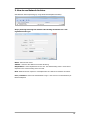
Select a Group which a new user will belong to
Password: Set a new password or change a password.
Note : DO NOT enter a Current Password when setting password for the first time as there is no
default password for Administrator/User.
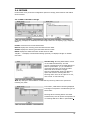
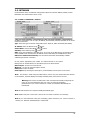
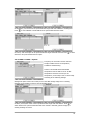
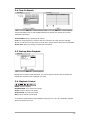
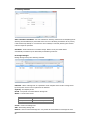
GROUP
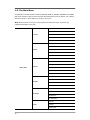
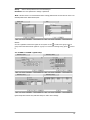
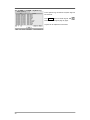
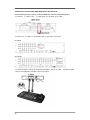
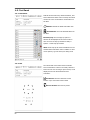
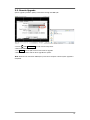
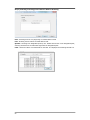
Set user registration and access rights for the system. Press
to add a new group. Enter a
group name and select access rights for a group. To remove an existing Group, press
next to
it.
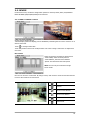
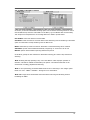
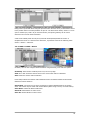
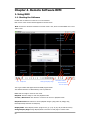
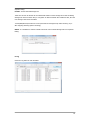
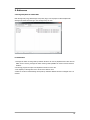
2-1-4. MENU > SYSTEM > Quick Setup
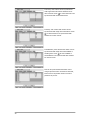
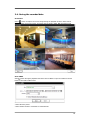
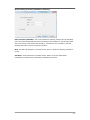
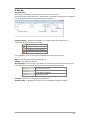
Quick Setup Menu allows easy and basic setup for main menu settings.
23