1
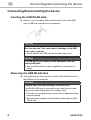
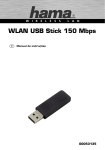
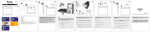
g Connecting/disconnecting the device Connecting/disconnecting the device Inserting the USB WLAN stick Switch on your computer and insert the device into a free USB port or USB hub connected to the computer. CAUTION Do not use excessive force when inserting the WLAN USB stick into the port. This could result in damage to the USB port of your computer. ► Check whether the USB stick fits the other way round. CAUTION The USB port or your laptop can be damaged by the protruding USB stick. ► Use the USB extension cable supplied for connecting to a laptop. Removing the USB WLAN stick After shutting down the computer, pull the USB WLAN stick out of the USB port of the computer. CAUTION Possible data loss when writing to a network drive. If the WLAN USB stick is removed during a data transfer, data may be lost when writing data to the network drive. ► Close all open programmes to ensure that all application data has been saved. ► Shut down the computer correctly before removing the USB WLAN stick. 8 00053135