1
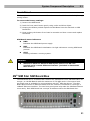
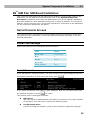
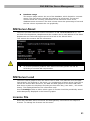
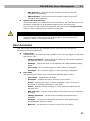
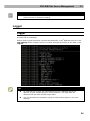
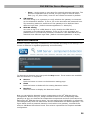
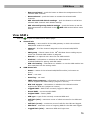
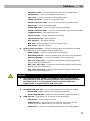
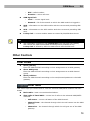
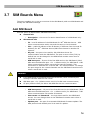
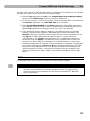
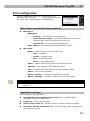
System Component Installation 2.3 2N® SIM Star SIM Board Installation First, insert the SIM cards with the PIN request disable or identical PIN enable in the SIM Board. For the SIM card holder positions refer to the System Component Description subsection. Now insert the SIM Board in one of the eighteen SIM Board Box slots (positions). Each SIM Board must have a unique IP address. To view the IP address, use the console menu. Use a serial interface for connection to the SIM Board. For the connection parameters see below. Serial Console Access The console system is arranged as a set of nested menus. By selecting a menu item you either get into a submenu, or have the required operation executed, or set the selected parameter. Serial Link Settings Default parameters of the SIM Board serial connection: Item Value Baud rate 115,200bps Bits 8 Parity None Stop-bits 1 Flow control None Serial Console If the SIM Board is working properly, the main console menu gets displayed after the terminal is connected. To enter the main menu, push . If you select a submenu, the submenu gets displayed. Now you can select items from the selected submenu or push for return. The console menu is arranged as follows: Main menu The main menu is displayed after the cable is connected to the serial interface of the board. The main menu includes the following items: Configuration menu A menu for Ethernet interface, serial console and other parameter settings: 29